What Can I Do If I Don't Receive Email Notifications?
Published On:
February 18, 2026
Here is how you can improve the email deliverability of lead notifications so that you receive the leads in your inbox and don't miss new form responses:
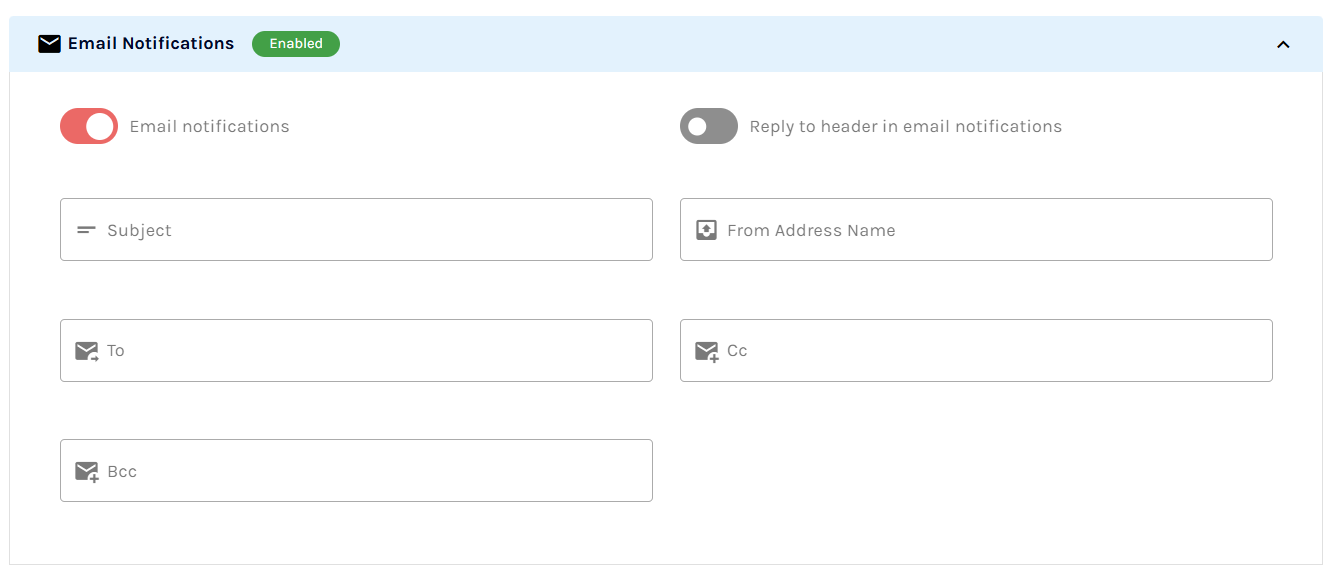
To receive email notifications, follow the following steps:1. Make sure email notifications are set to on in form settings. Check if your email address is typed correctly in form settings, email notifications.
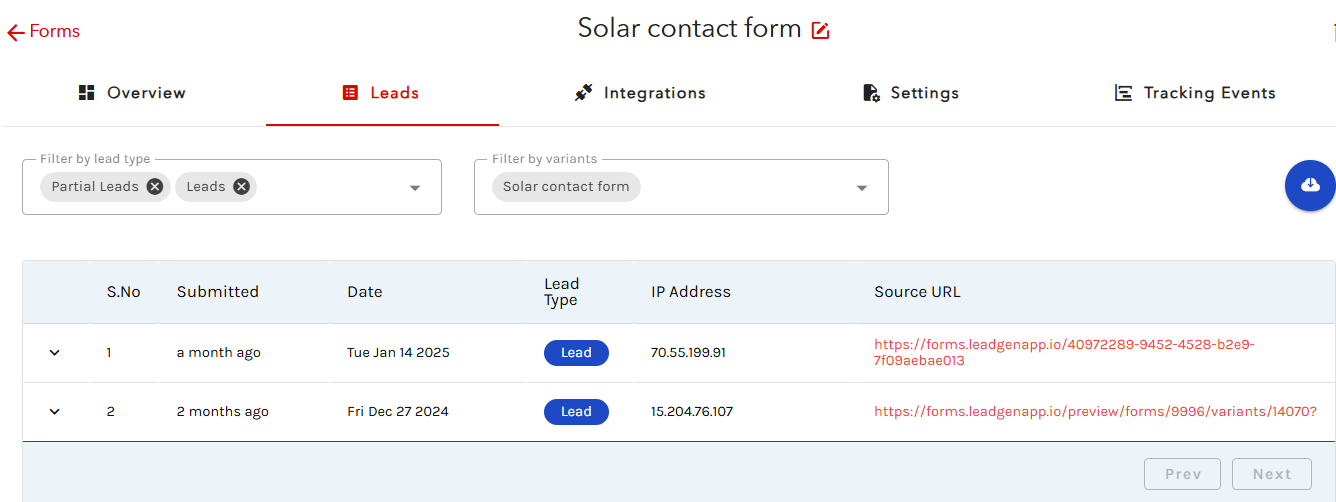
2. Check if your form is receiving leads in the lead section. If not, submit a test lead yourself.
3. Check your spam inbox and see if the lead notifications may land here. 4. If you are using Gmail, check all the inbox tabs: Primary, Social, Promotions, Updates. Wait for up to 30 minutes after submitting the form and see if the lead notification comes through.If it still doesn't work for you, please share your form name with the support and we'll look into it.
Any Question Left?
Message us via the chat window in the bottom right of the page and we will answer any of your questions!