
Innovating Data Collection - Serving Businesses Worldwide

Craft diverse online and lead generation forms effortlessly with the intuitive CliqForms form creator. Whether it’s multi-step forms, registration forms, contact forms, surveys, calculators, or beyond, unleash your creativity with ease!
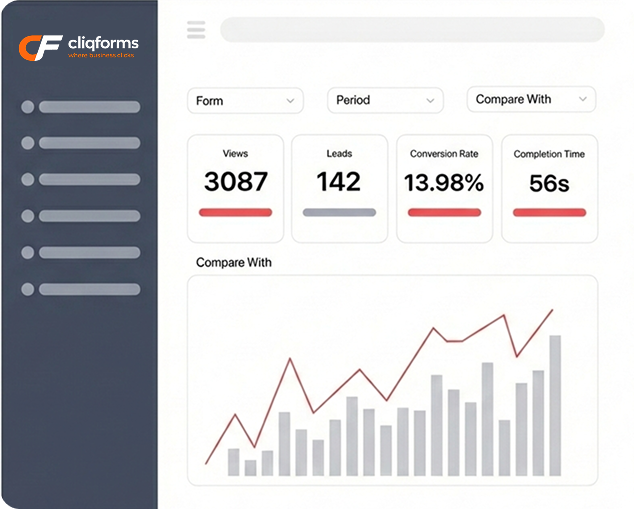
.png)




In today’s digital age, online forms have become an essential tool for businesses, organizations, and individuals alike. Whether you’re collecting job applications, event registrations, or survey responses, having an easy-to-use and customizable online form can make all the difference.
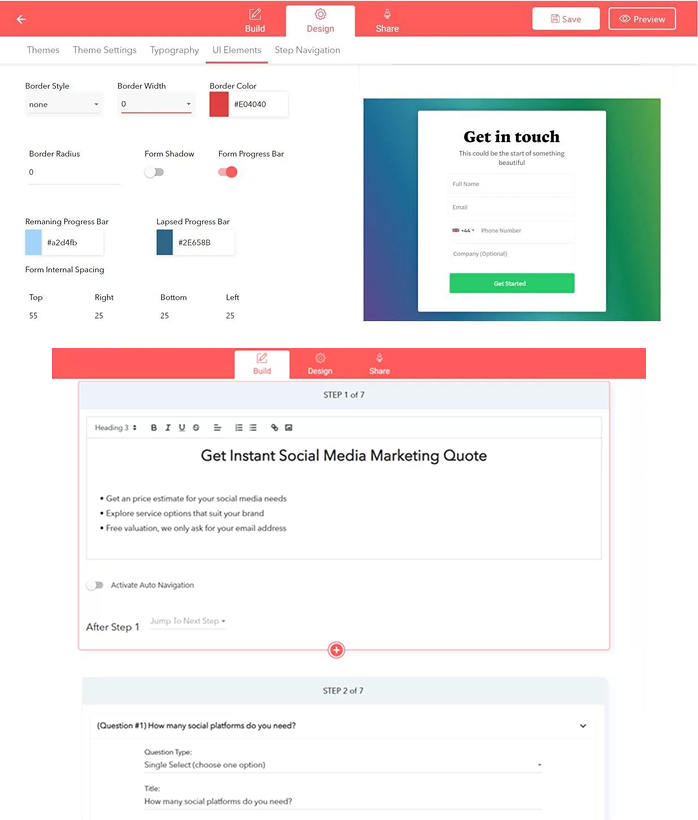
With the CliqForms online form builder, you can create professional-looking forms quickly and easily, without needing any coding or design skills. Choose from a variety of form fields, customize the layout and branding, and even automate workflows for seamless data management.
Here is everything you need to know about the online form builder including benefits, features, and best practices for using them effectively.
Online forms have a wide range of benefits that make them an essential tool for many businesses and organizations. Here are some of the key advantages of using application forms.
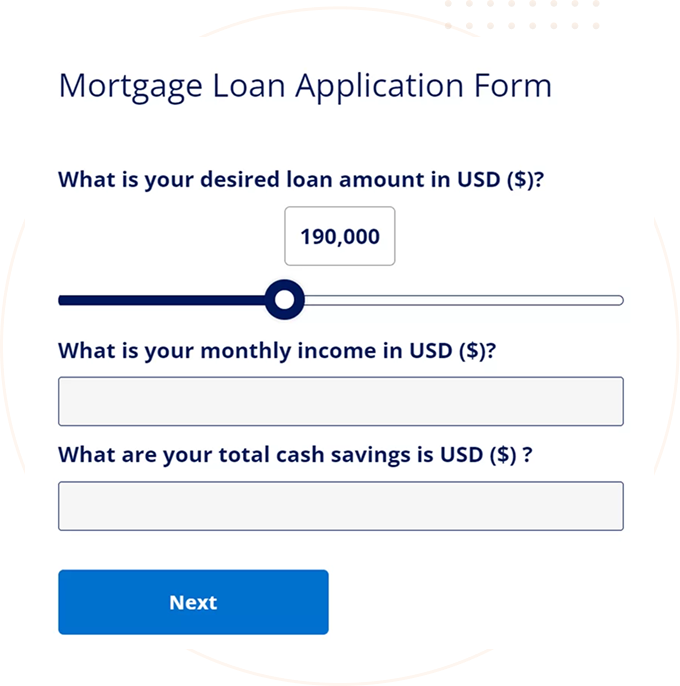
Stylish mortgage loan application form template designed with the CliqForms form builder
Consistency: CliqForms forms provide a standardized way of collecting information, ensuring that all applicants provide the same information in a consistent format.
Time-saving: Digital forms are much faster to process than traditional paper applications. Online forms can be submitted and processed instantly, saving time for both applicants and employers.
Data accuracy: Forms can be designed to collect specific information, ensuring that all necessary data is captured accurately.
Customizability: With CliqForms, forms can be customized to suit the specific needs of each organization or role.
Branding: Brand your forms with an organization’s logo and colors, giving respondents a professional impression of the company and helping to reinforce brand identity.
Workflow automation: The CliqForms aorm builder offers workflow automation features, such as automatic email notifications and integration with other tools like CRM or applicant tracking systems.
Build any of these form designs or use templates with the CliqForms application form builder
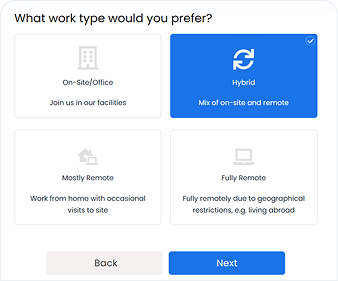
Customizable forms to capture applicant details for your job opening. Easy to edit and embeddable to your web-page.
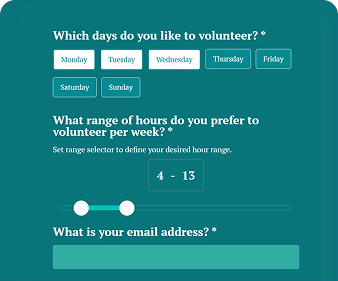
Collect applications for volunteering roles using editable form templates that ask all necessary information required to get to know the candidates.
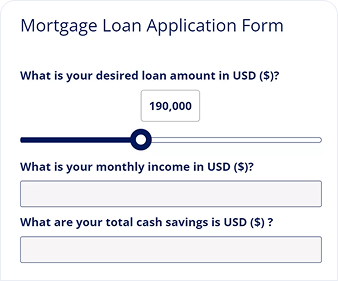
Modern multi-step lead forms for various financial data collection needs with the ability to qualify candidates, add conditional flows and generate lead scores.

Form templates for specific data collection needs in industries such as modelling, retail, talent shows and other sectors with demand for screening information.
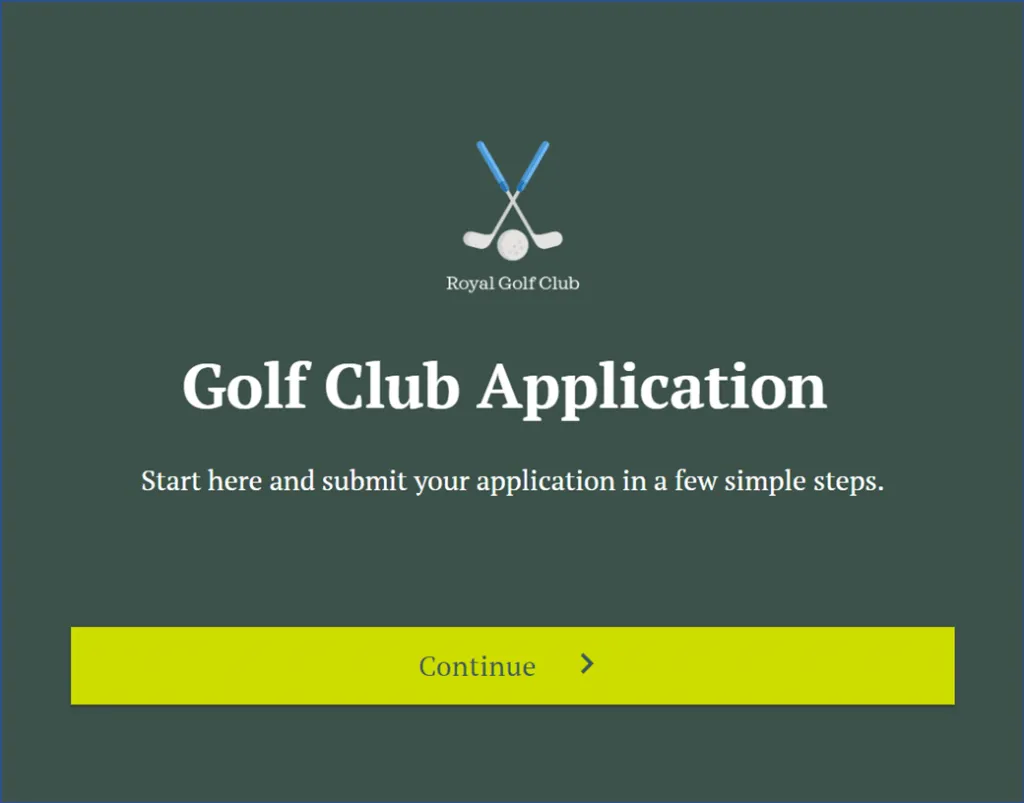
Find new members for your local clubs or institution such as golf clubs, gyms, football teams and more. These forms can also include educational screens listing details of the application offering.
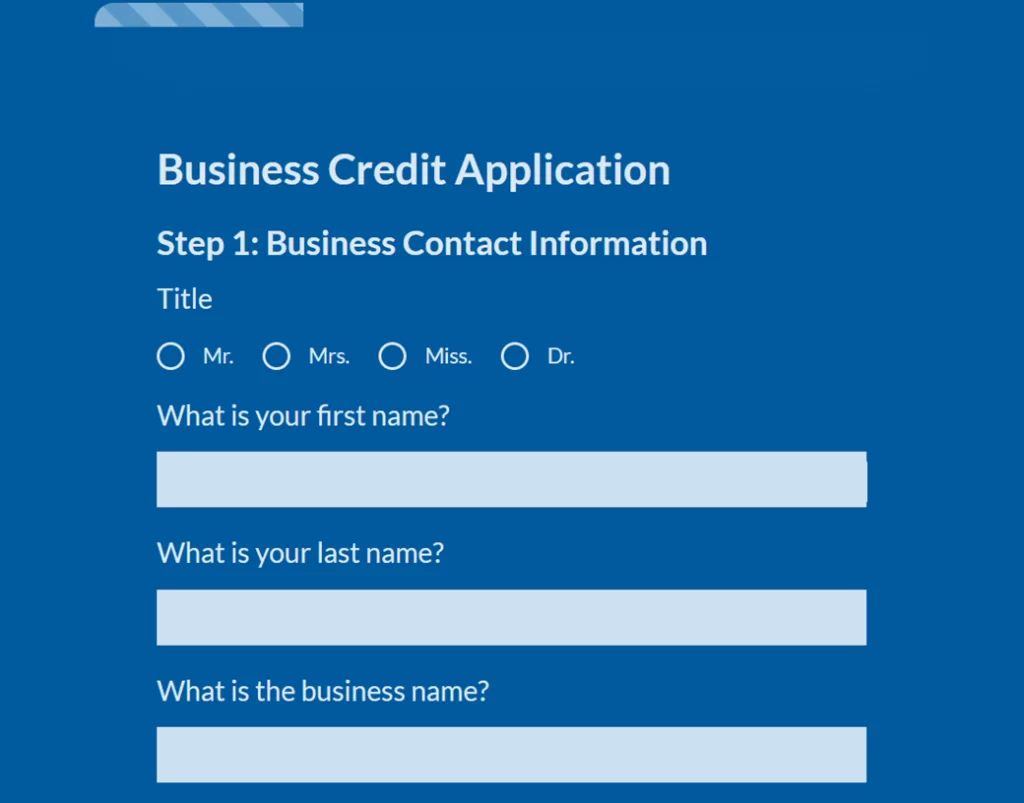
Credit application forms for financial institutions and lenders to collect information needed for credit or a loan. Ask for detailed information about the applicant’s financial situation, income, employment history, credit score, and outstanding debts.
Easily Build Forms in 3 Simple Steps: Convert More Leads Code-Free
Watch DemoCreate Your custom CliqForms form by choosingfrom different templates & question types andsetting your styling options & integrations.
Once your form is built & designed, CliqForms provides an embed code to easily integrate the form into your landing page.
Find your lead generation potential by running A/B test experiments to improve lead conversions rates.
.png)
Since 2018 we have been innovating CliqForms to become the leading form creator for lead generation, serving thousands of ambitious businesses, marketers, agencies & individuals worldwide.
Customers
Forms Created
Average Rating







Building Cover

Building Cover

Building Cover
With building cover you insure the outdoor and indoor structure of your house. Contents cover insures contents inside your house, such as furniture, carpets and curtains.
ContinueCreate New Form Designs with Themes, Templates and Flexible Customization
You should move your forms to CliqForms App if you look for the most flexible and conversion-focused form builder to generate more leads. Our mission is helping businesses, marketing & sales teams get more customers and clients with engaging, flexible and user-friendly forms. We are committed to give our users the tools to grow your revenue by making web and landing pages convert up to 5X more.
.png)
With CliqForms App you can create online forms for different purposes, incl. lead capture & qualification forms, contact forms, multi-step forms, landing page forms, application forms, surveys, questionnaires, calculators, data collection & research forms, feedback forms and much more. CliqForms App also provides a LeadProof builder to create popups of your that show your leads as dynamic social proof on your pages. The form builder provides lots of form customization options via our design editor. Also we provide lead management & conversion optimization features, integrations and developer features to build complex forms and user journeys.
CliqForms is the most flexible form-builder and provides near unlimited design customization options. The design editor allows you to customize form elements in terms of themes, colours, buttons, textboxes, shadows, fonts, colour codes and much more. You can either pick one of our pre-built themes to give your form a professional look, customize the designs yourself and also customize designs after form embed using custom CSS.
Yes, you can send your leads to a custom URL after form submissions. You can use your custom Thank-you pages to track leads via tracking scripts, e.g. Facebook pixel. Also, we provide a Thank-you message builder to easily create a text that shows in the form widget after users click on submit.
Yes, CliqForms provides the ability to create flexible conditional flows using logic jumps. You can create complex flows, for example jumps between form steps and jumps based on users choices (conditional logic). Here is a guide on creating conditional logic forms in CliqForms.
LeadProof is a feature to create popups of the leads that recently filled in a form. For example, you want to show your page visitors that your lead form offer is getting lots of responses from similar locations. You can use LeadProof as social proof, enticing more people to engage with your offers and fill in CliqForms forms. LeadProof popups can be customized based on the type of information shown, popups speed and intervals and more.Yes. CliqForms encrypts lead data and securely stores it in a cloud database. We take regular data backups and our cloud service provider ensures the backup of the full server. We comply with GDPR standards and ensure you can fully delete lead data from your database, e.g. upon user requests. To learn more check our our security, compliance and privacy commitments.
You don’t need any coding experience to create a form. CliqForms is a no-code form-builder and makes it easy to create forms with the intuitive builder, pre-built templates and themes.


.png)

.png)