
Innovating Data Collection - Serving Businesses Worldwide

Choosing the right question helps you maximize the response rates in online forms. CliqForms provides you with question types to ask any kind of question from your audience with the least amount of effort from them.
Here is an overview of question types.
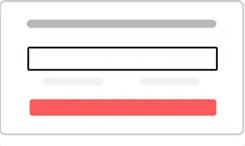
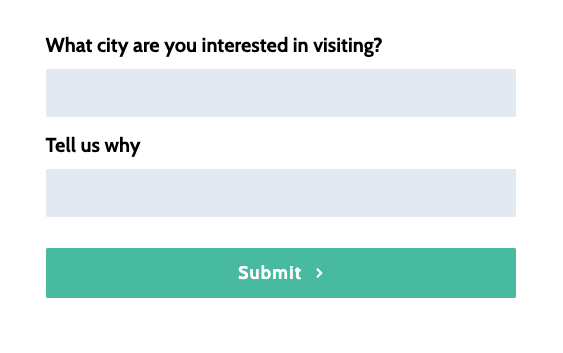
Short text questions help you collect individual text answers from users. You can ask any question with short text question types which can be answered in a short 1-line answer.
Examples:
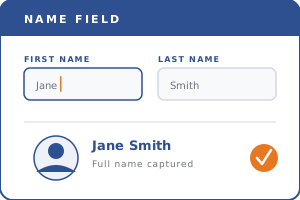
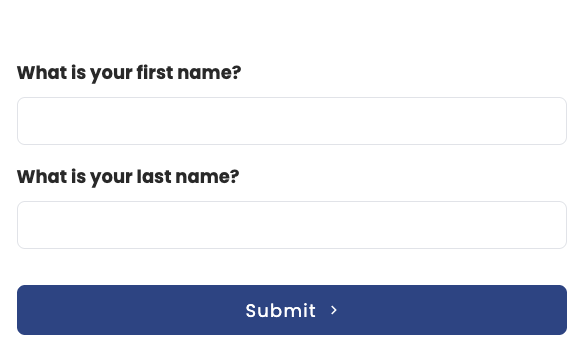
Name fields capture first and last names. Perfect for personalising follow up emails, CRM entries, and client records.
Examples:
.png)
Multi-select questions are identical to single-select but they allow selection of more than one choice. You can optionally define a minimum and maximum amount of allowed selections.
Examples:


Radio buttons are a sub-type of single-select question types. Radio provides a distinct choice selection and are only provided in single-select, not in multi-select questions.
Examples:
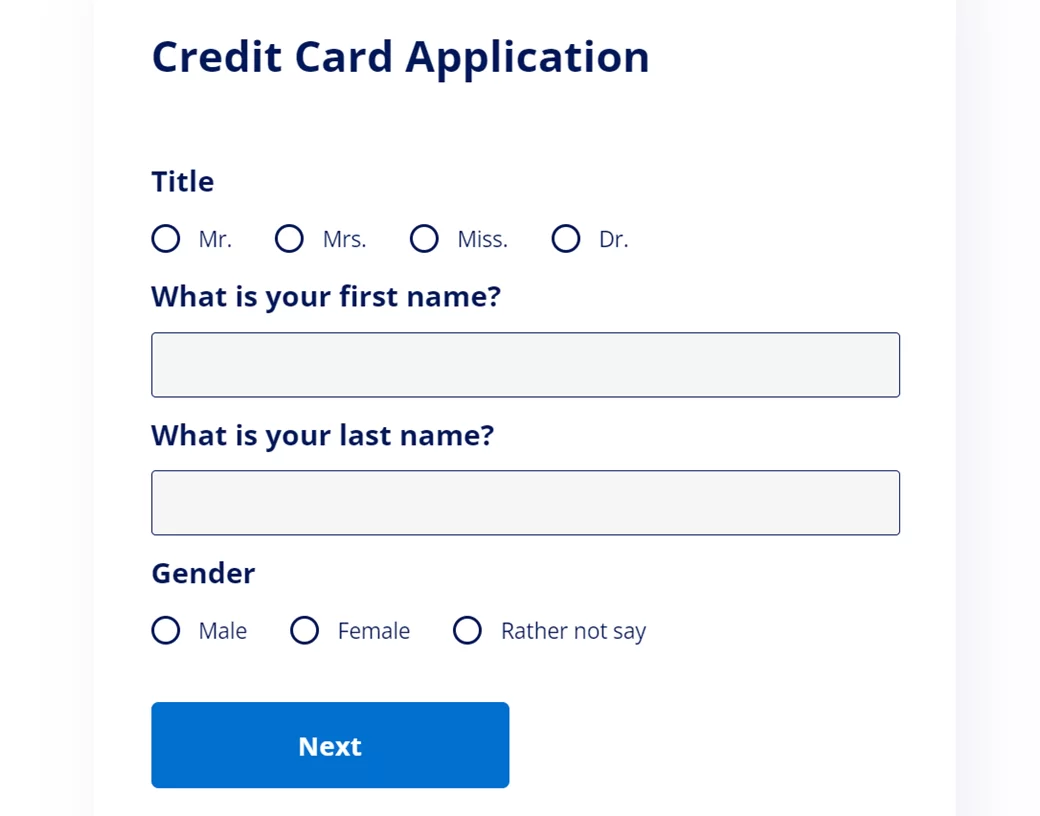

Image buttons are a very flexible way to ask questions. Upload any JPEG or PNG file to your choices to make your form and questions stand out. Visual image buttons can aligned in different formats, e.g. showing 2, 3 or 4 rows per question.
Examples:

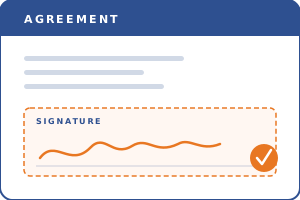
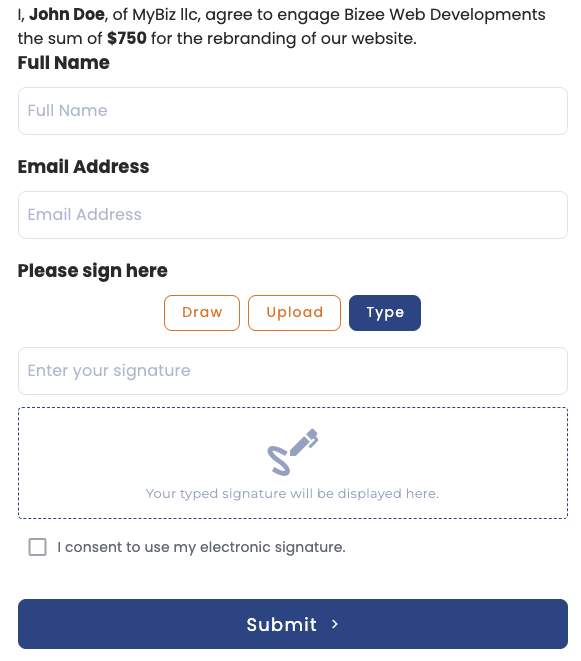
Collect legally recognised signatures directly within your forms. Your respondents simply draw, type, or upload their signature and submit in seconds. Works seamlessly on desktop and mobile. Every signature is timestamped and securely stored, giving you a clear audit trail for compliance and record keeping.
Examples:

Icon buttons are clickable choices that show icons along with answer title and description text. You can search by icon type and choose from various designs to add a more visual touch to your questions.
Examples:

An easy way to capture email data with validation to make users submit a proper email address.
Examples:

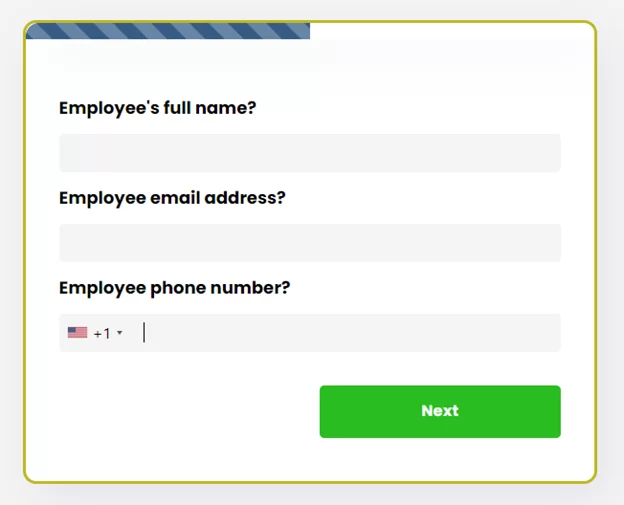
Collect phone numbers with validation for each country worldwide. Users need to fill a valid phone number in combination with a country code. You can set a default country code for forms or let your form detect the right code based on the leads’ IP address.
Examples:
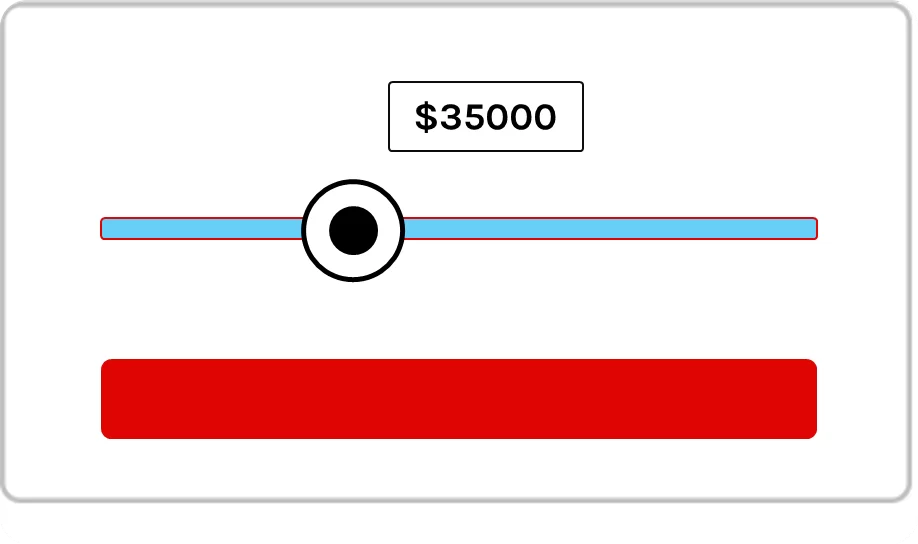
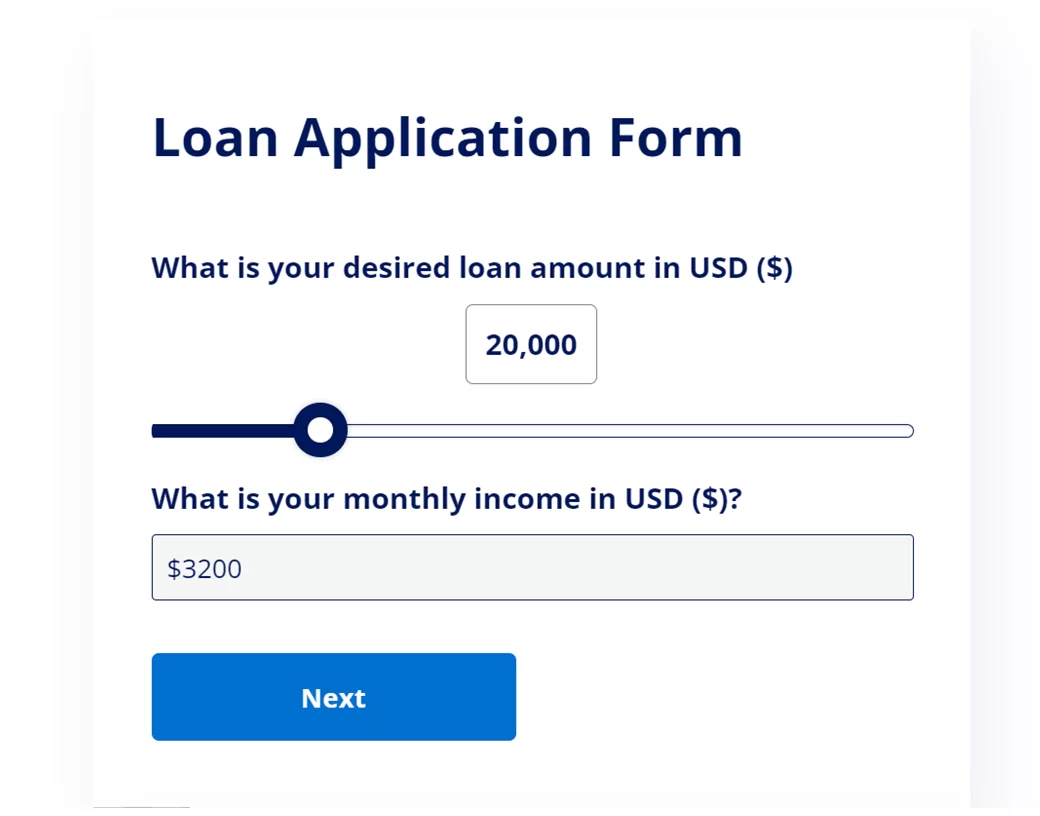
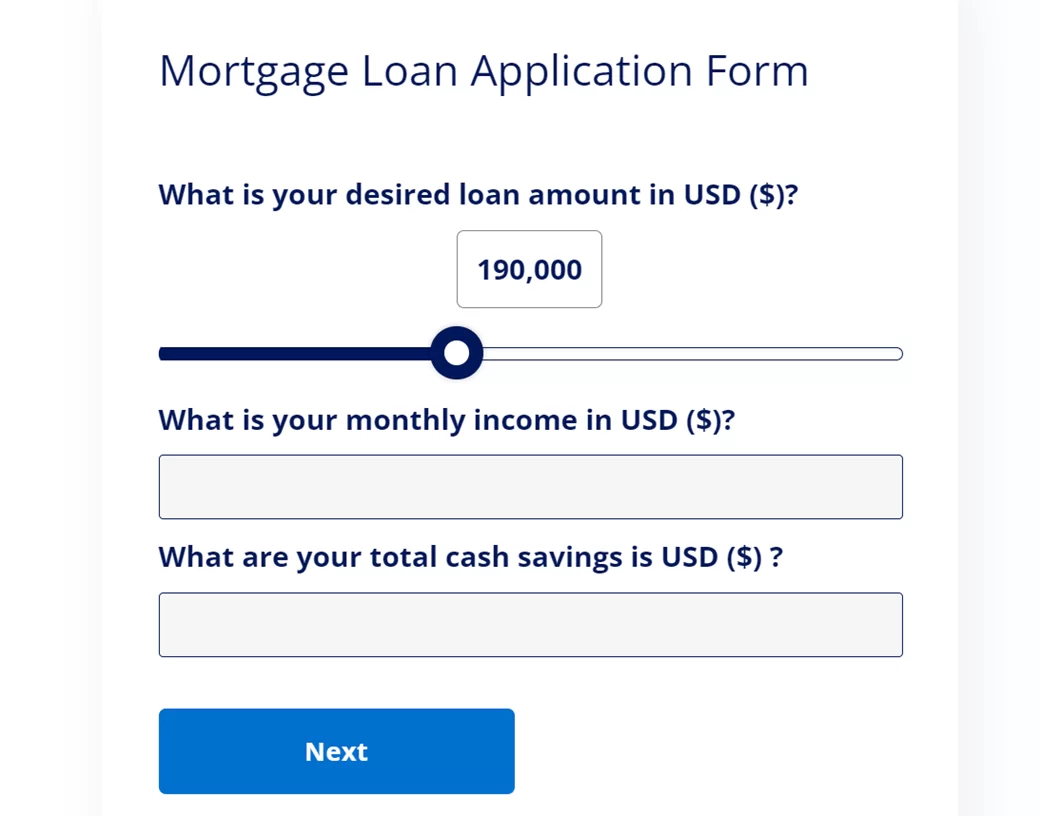
The Scale question types makes it simple for your visitors to choose numbers by utilizing a drag-and-drop slider scale. This scale helps you provide minimum and maximum allowable values.
Examples:
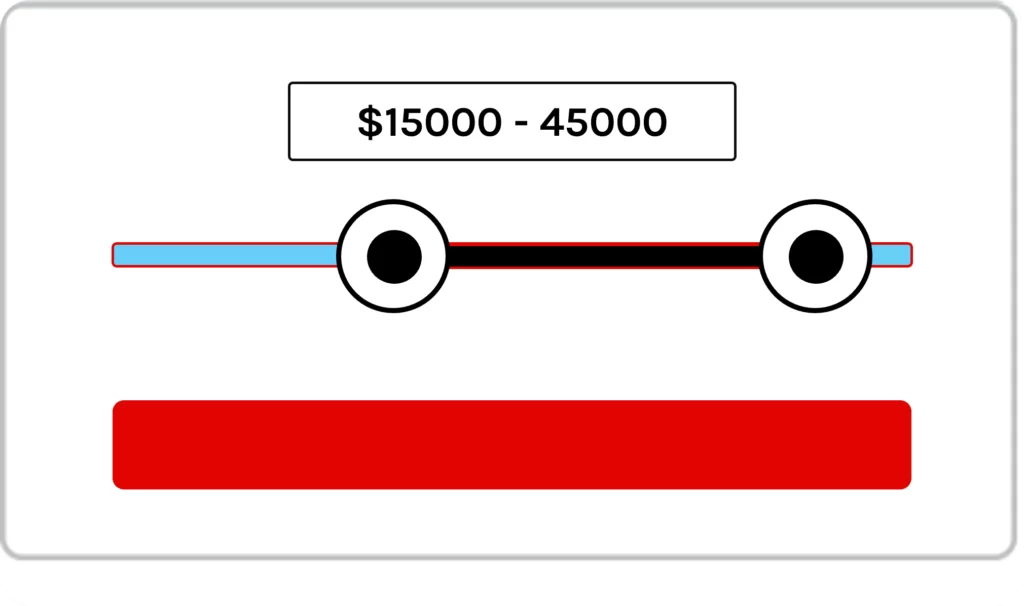
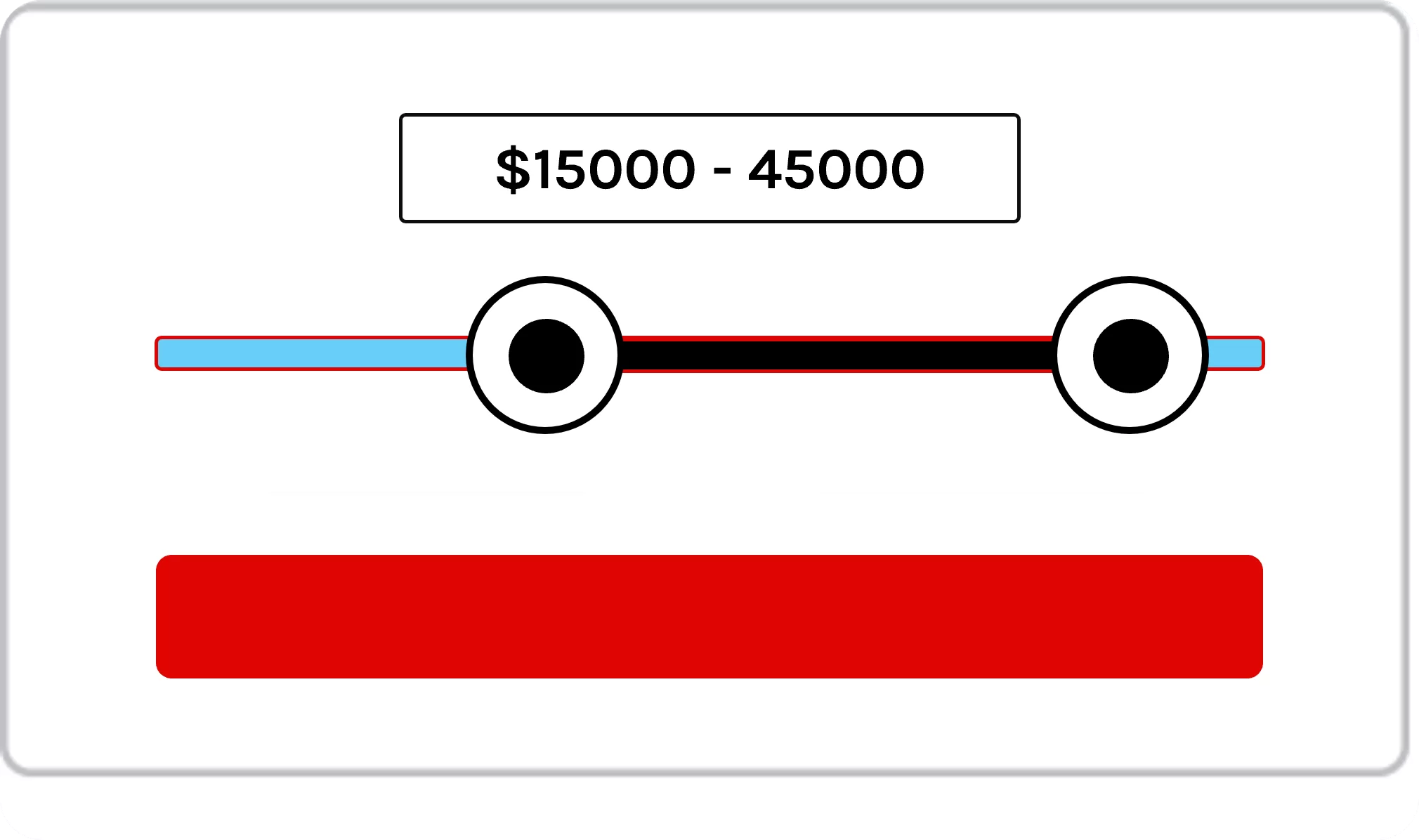
The range question type is a slider scale with two selections, one for setting a minimum desired amount and the other for setting a maximum desired value.
Examples:
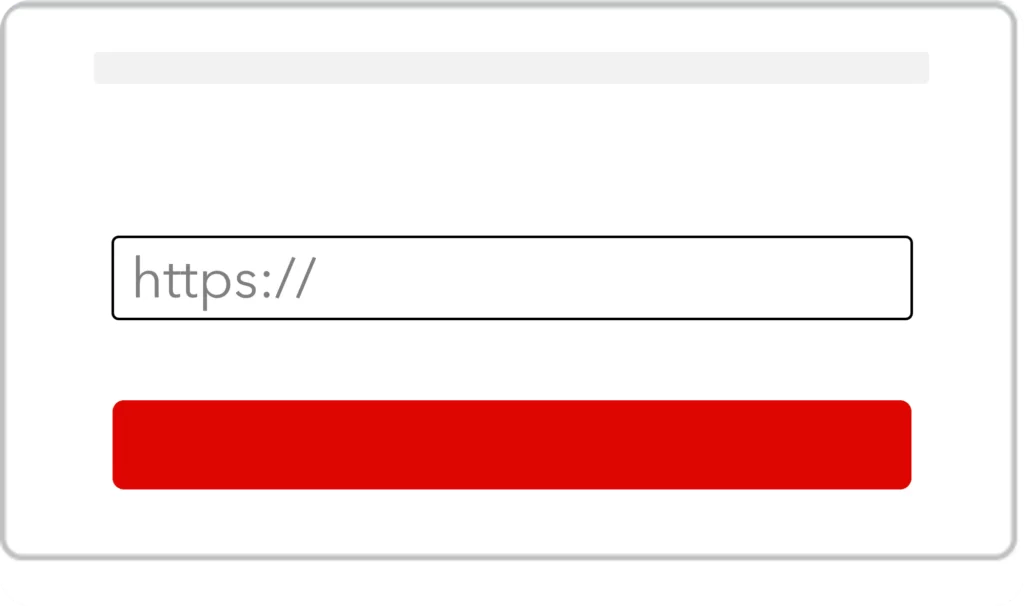
With the website question type you can allow visitors to validate URLs so that only valid URLs can be accepted in the forms.
Examples:
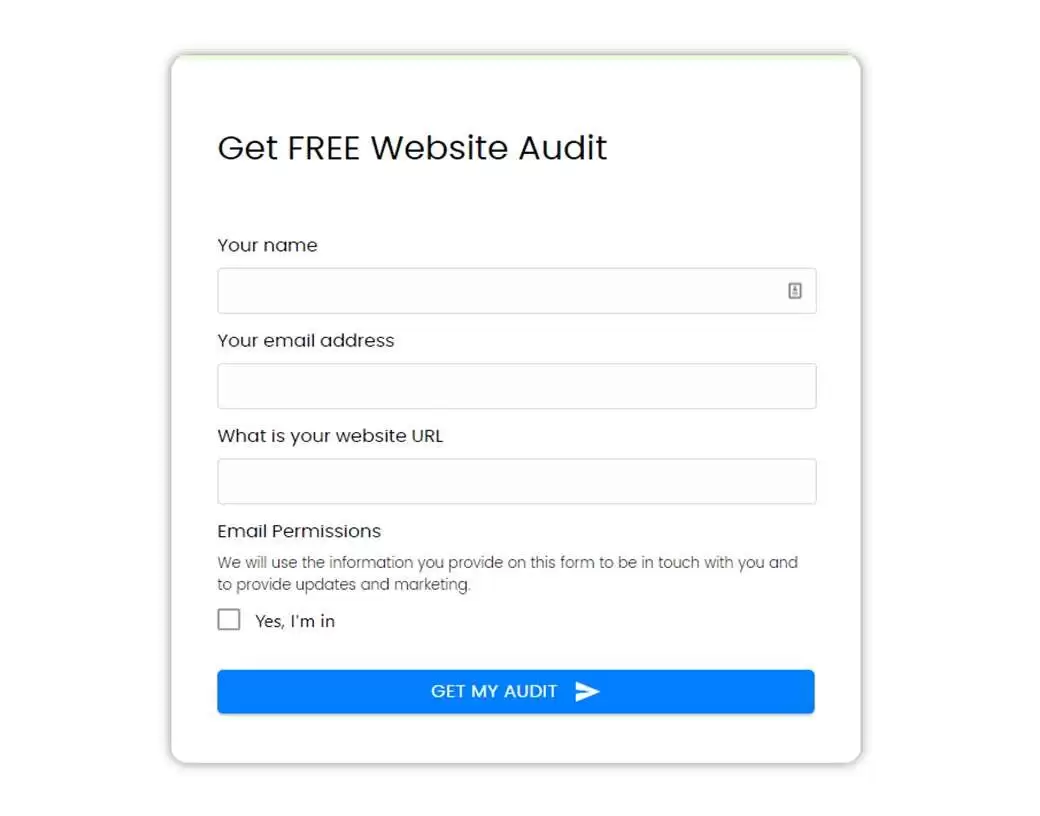

Combination of radio and button style for select questions. The Line Radio skin type is a stylish alternative to select buttons and provides more design flexibility compared to radio buttons.
Examples:
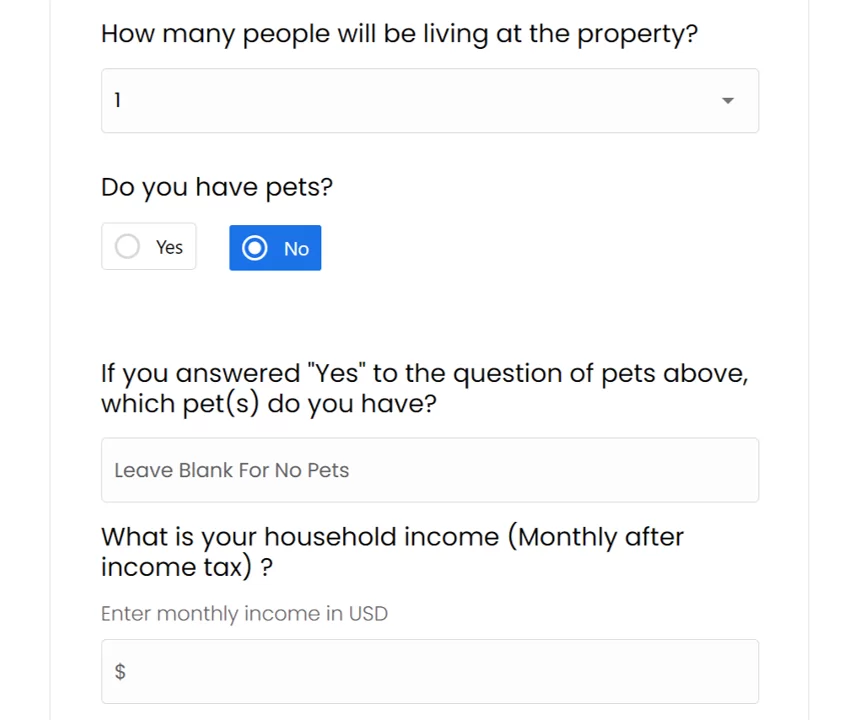
Paragraph questions provide space for longer answers, covering several lines of text. They can be used to collect any kind of messages, e.g. in contact forms or as a description text of goals, needs and requests.
Examples:
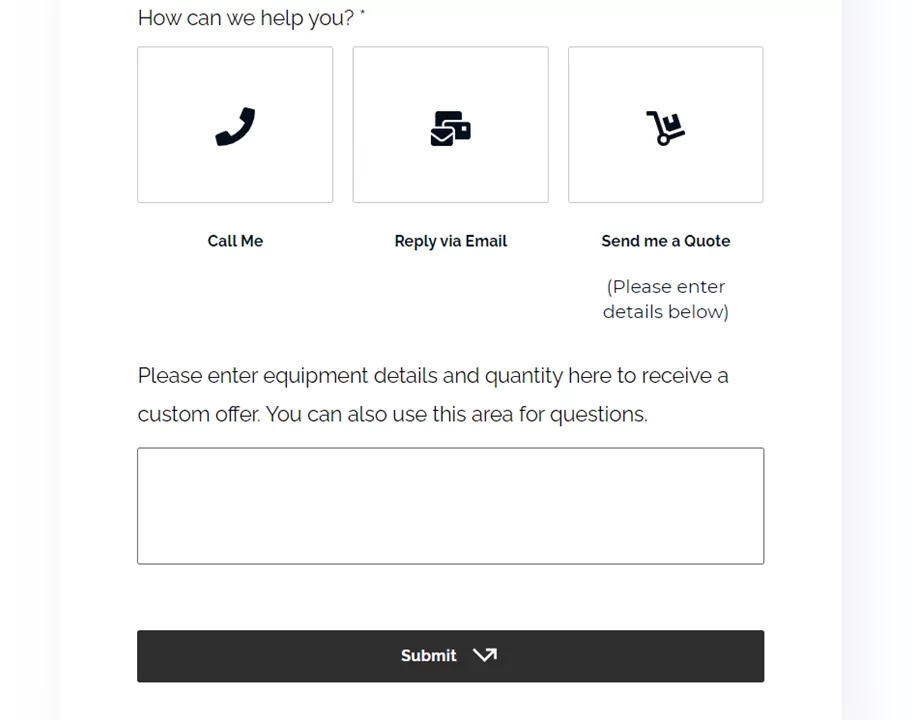
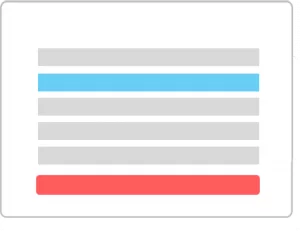
Single-select question types show choices out of which one choice can be selected. You can align choice buttons horizontally or vertically and choose from different skin types, like radio or dropdown which are explained below.
Examples:
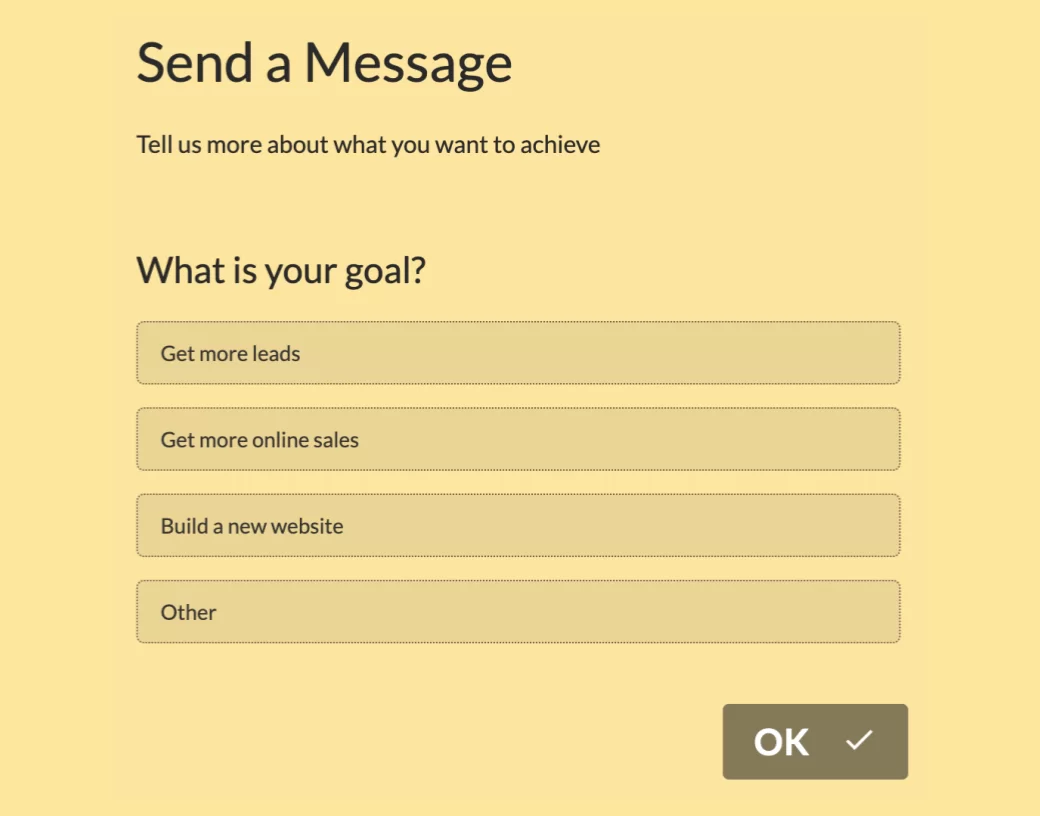
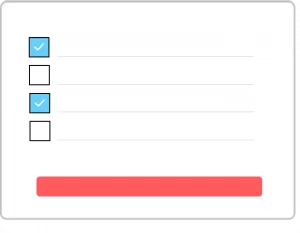
Checkbox buttons are a sub-type of multi-select question types to allow users to tick all the applicable choices.
Examples:
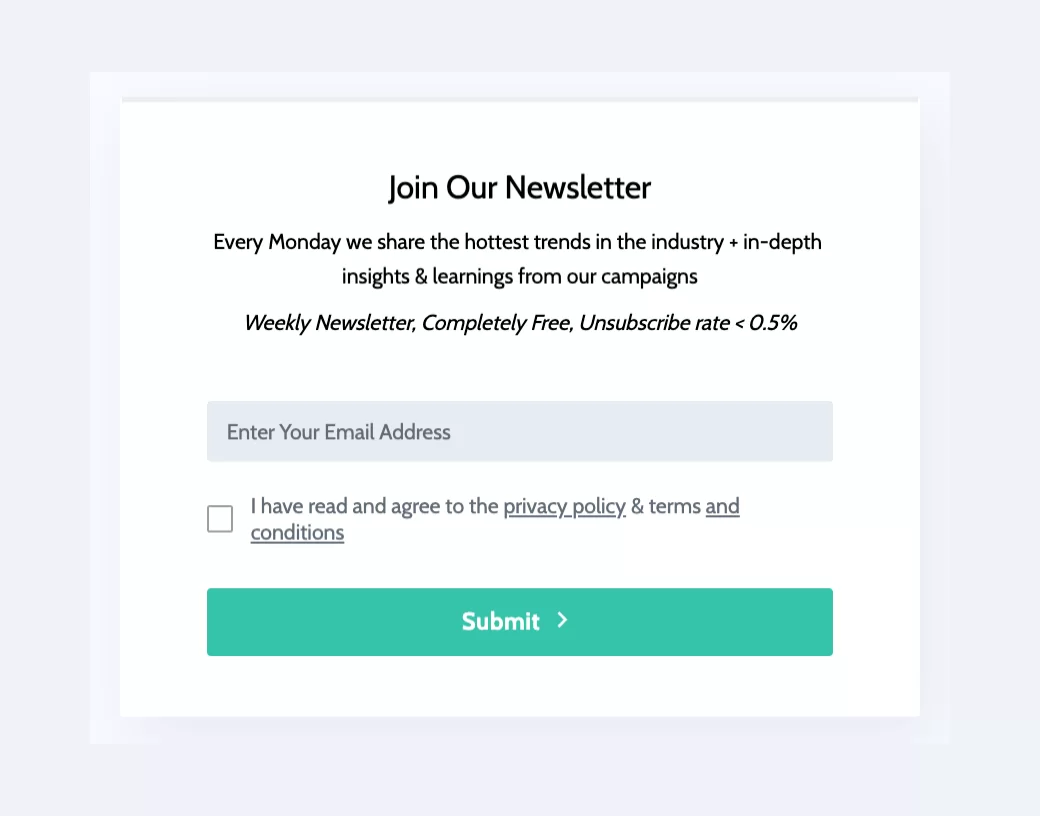
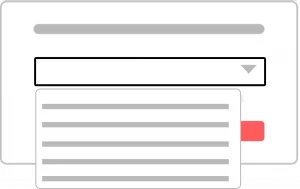
Dropdown questions have the benefit of showing a large selection of clickable choices in a user-friendly way. The choices are hidden until the user navigates to the question and clicks on the selector to load up the dropdown answers.
Examples:
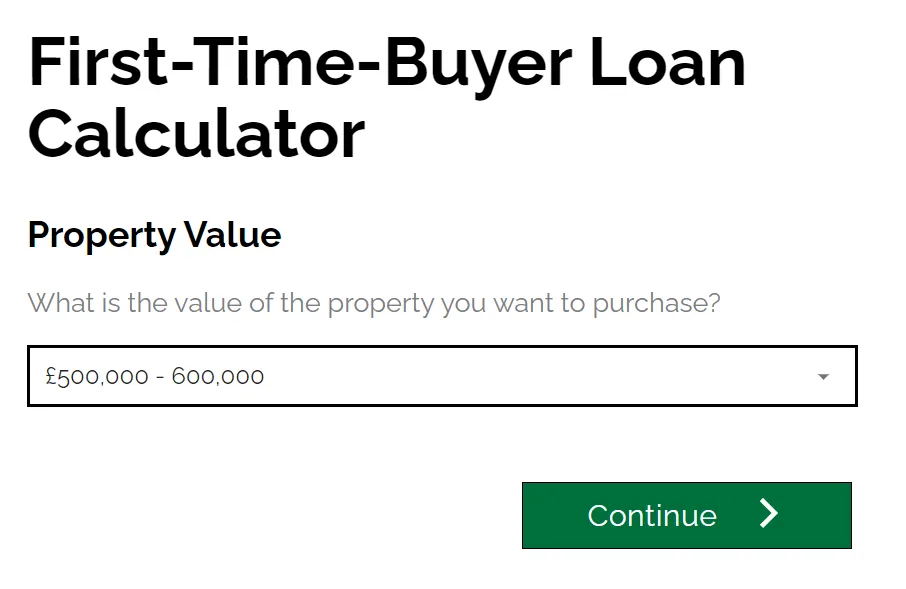
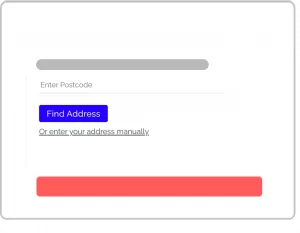
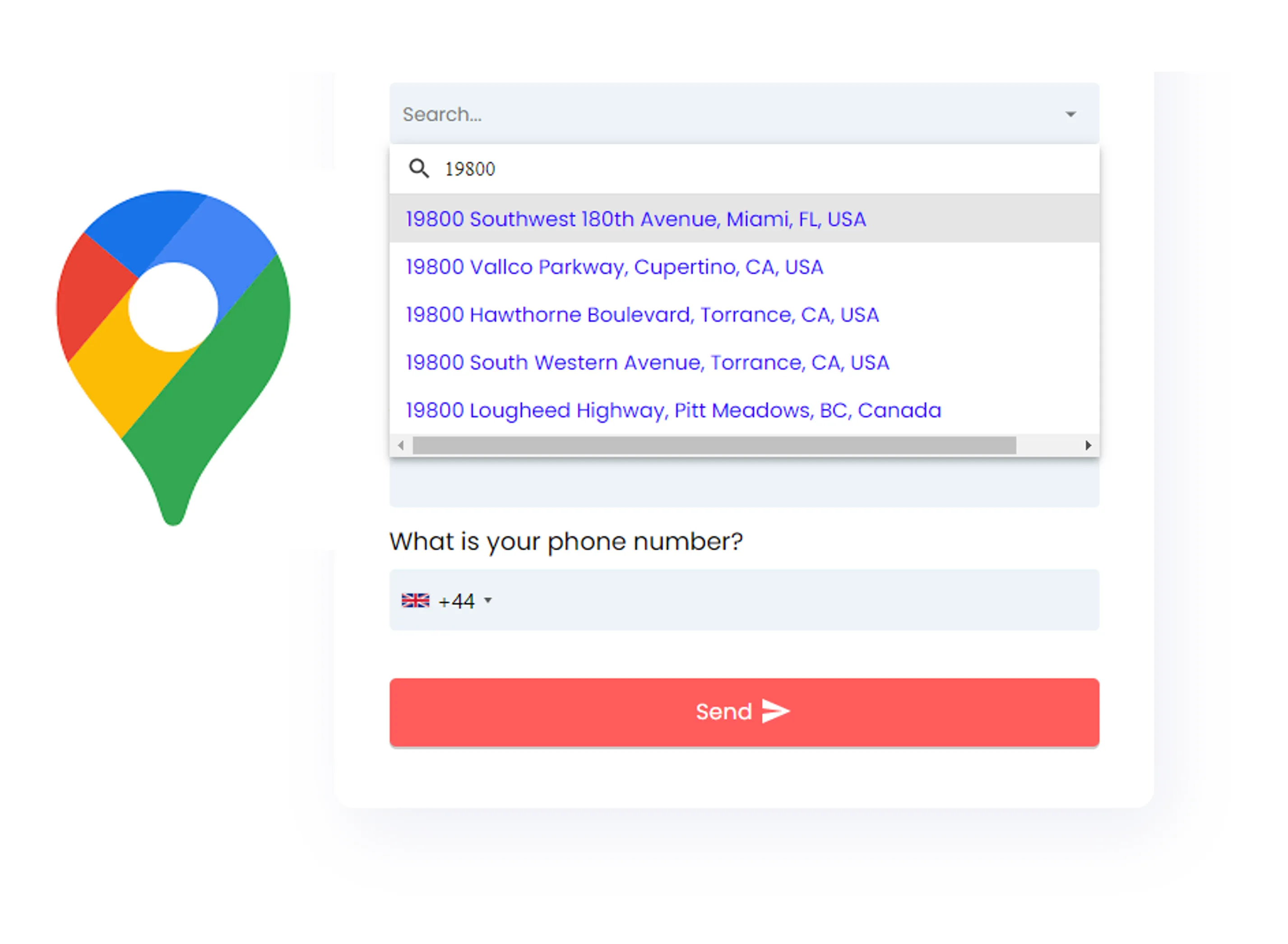
This question type provides address fields, incl. street and house No., address lines, city, state, landmark and country. Using autocomplete, visitors can find their address instantly by just typing their post code or other types of their address.
Examples:
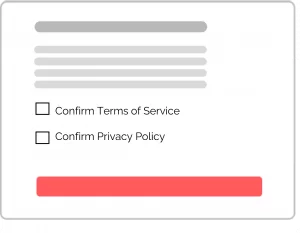
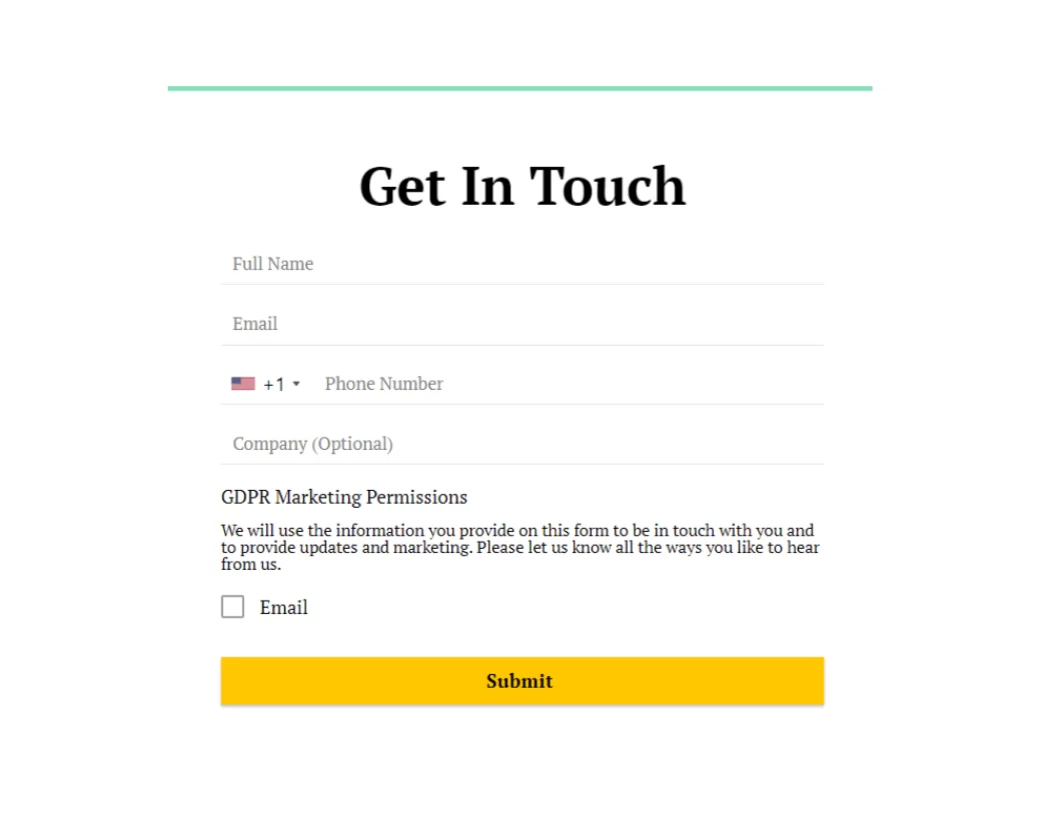
GDPR fields helps you obtain user content, e.g. for subscribing leads to newsletters or your terms/privacy.
Examples:
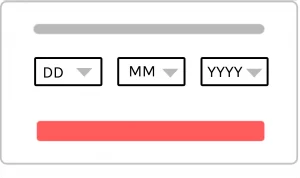
Asking for a calendar date is easy with the date question type. You can choose from various skin types to customize the question, showing 1 input box, 3 input boxes, dropdown or a calendar date picker.
Examples:
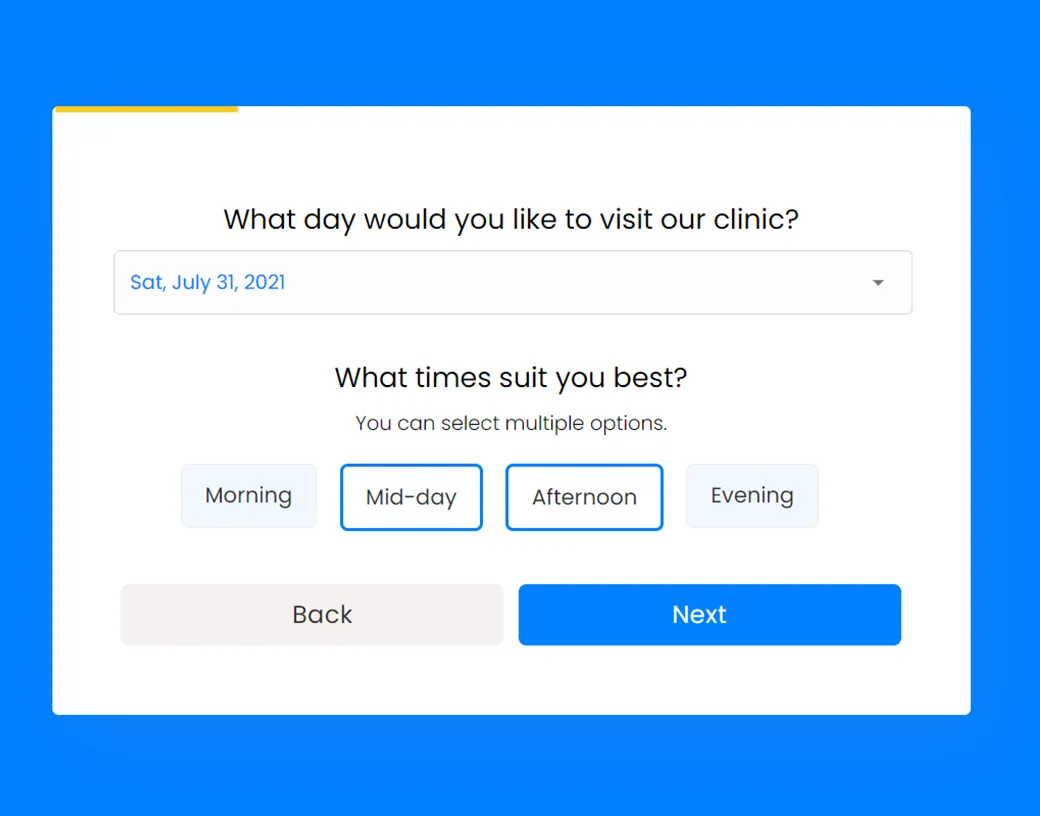
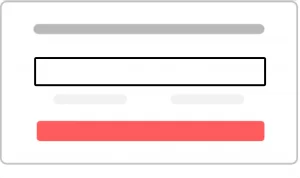
Provide your visitors a simple input field to enter numeric values. The form question validation will block out any non-numeric entries made by users. You can set a minimum and maximum allowed value as needed.
Examples:
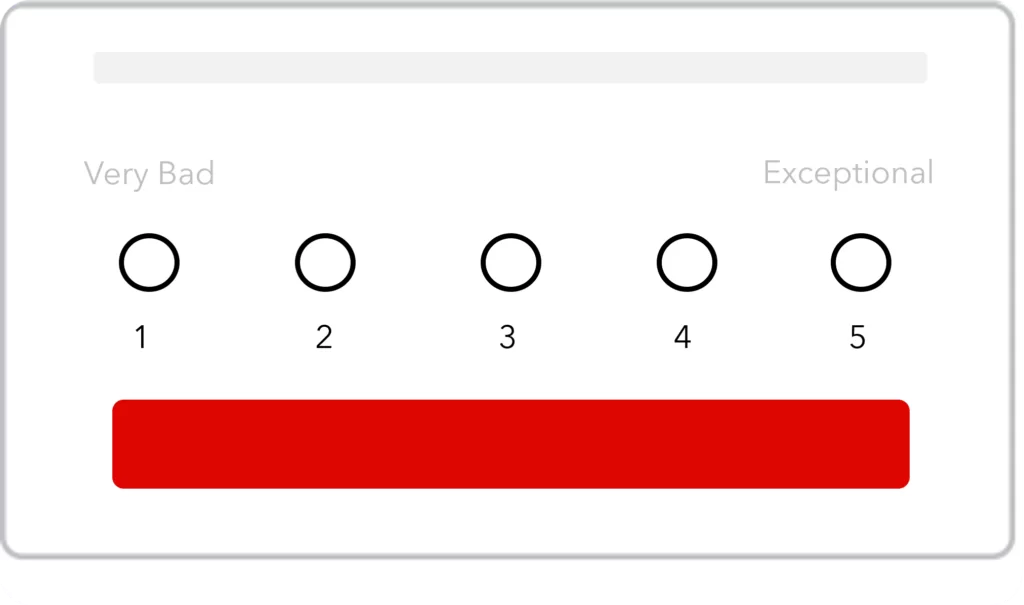
A Likert Scale allows people to express their emotions using a numerical scale. Likert scales, in addition to evaluating assertions of agreement, may also assess the frequency, quality, and significance.
Examples:
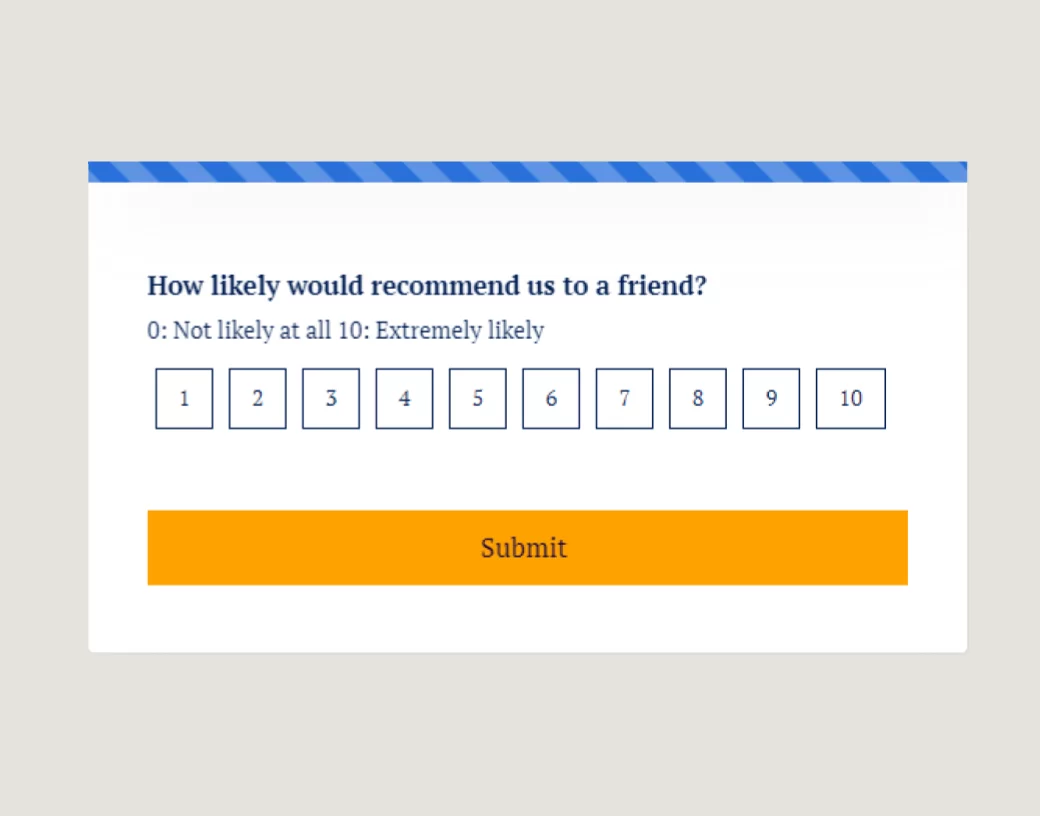
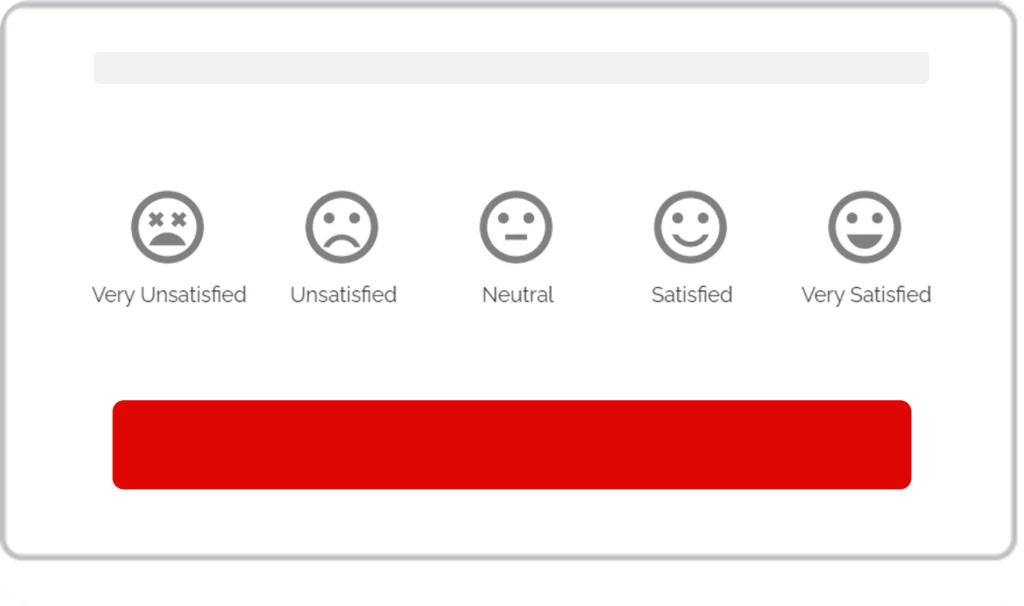
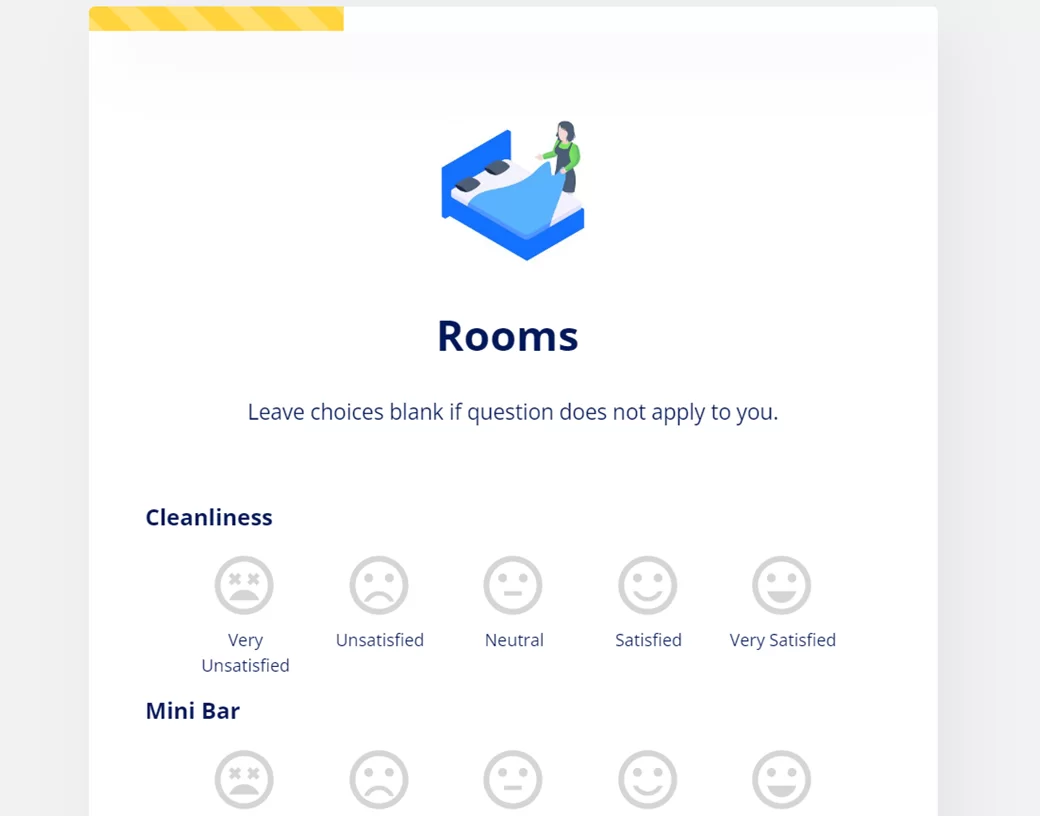
The inclusion of clickable emoji buttons can bring a human-like aspect to your forms. Choose from a variety of smileys to get critical feedback and surveys that show the user’s or consumer’s level of satisfaction – Presented in 5 different emojis.
Examples:


.png)
