Innovating Lead Generation, Serving Businesses & Marketers Worldwide

How your form steps can be animated with a fade-in effect that changes user experience.
Use this guide to add a visual effect to the questions in your survey, making them fade in instead of instantly loading.
Here is a small trick that you can use to show your respondents that you care about the feel and design of everything that is part of the brand. It’s especially useful if you have an audience that’s sensitive to small details.
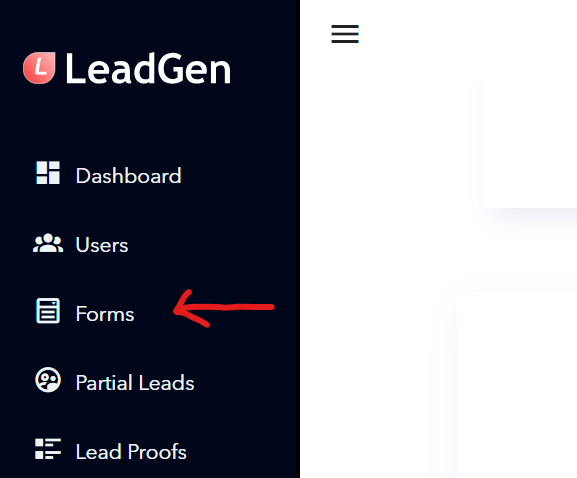
Click on “Forms.”
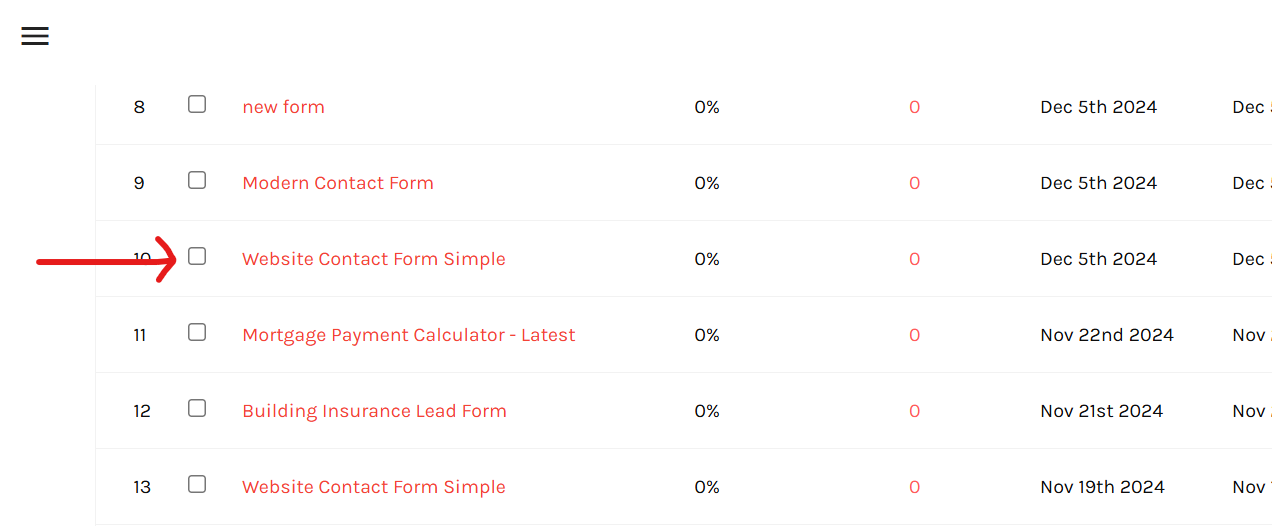
Select the name of the form you want to edit.
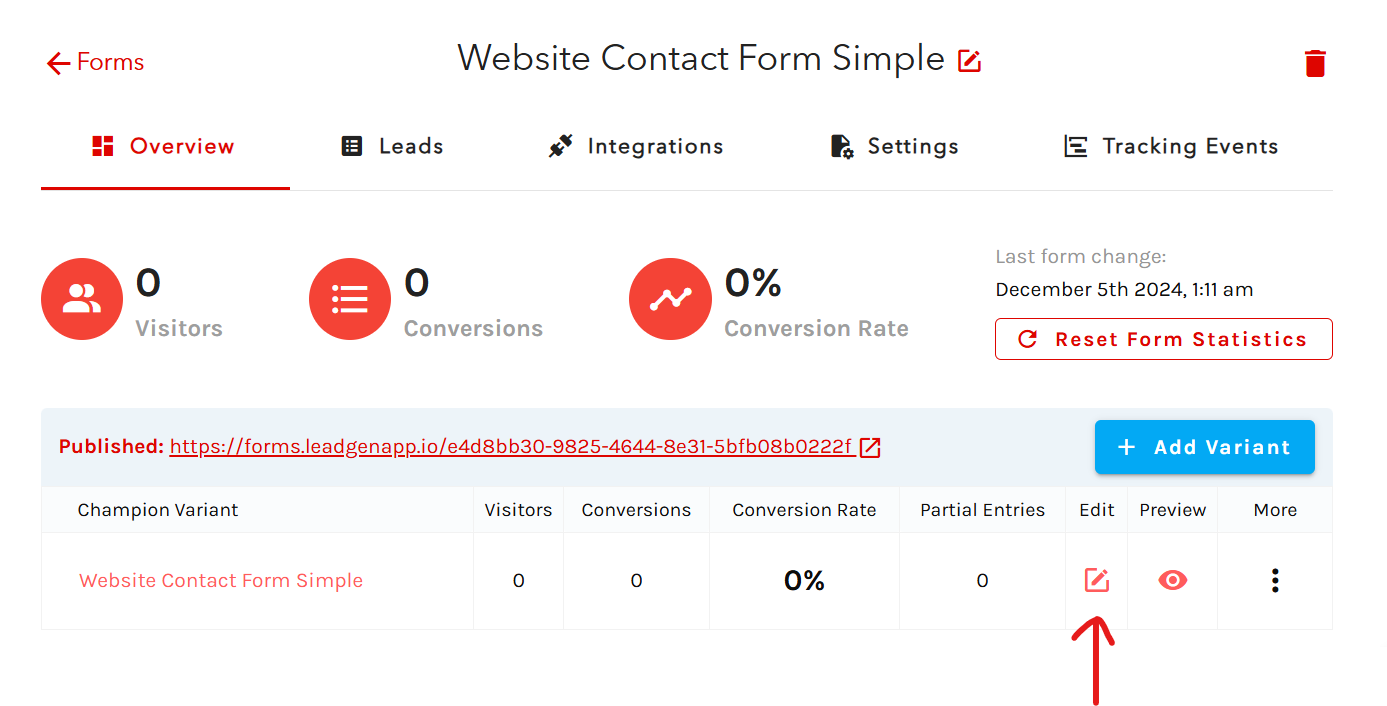
Click on the edit icon.
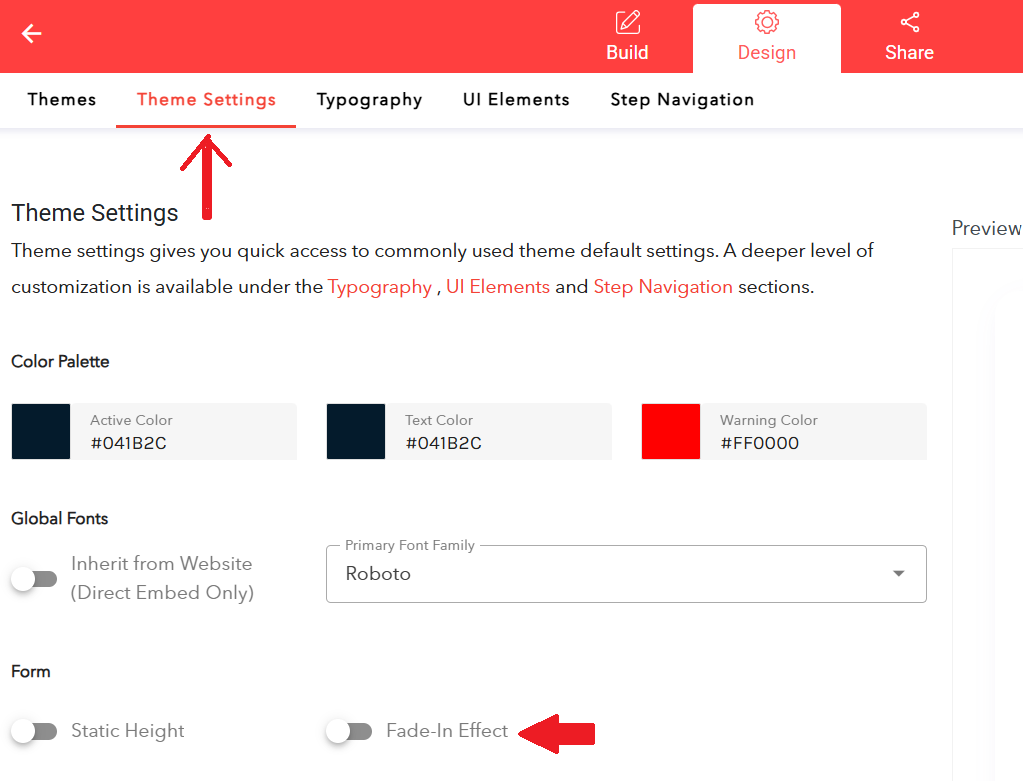
In the editor, select the “Design” section from the header.
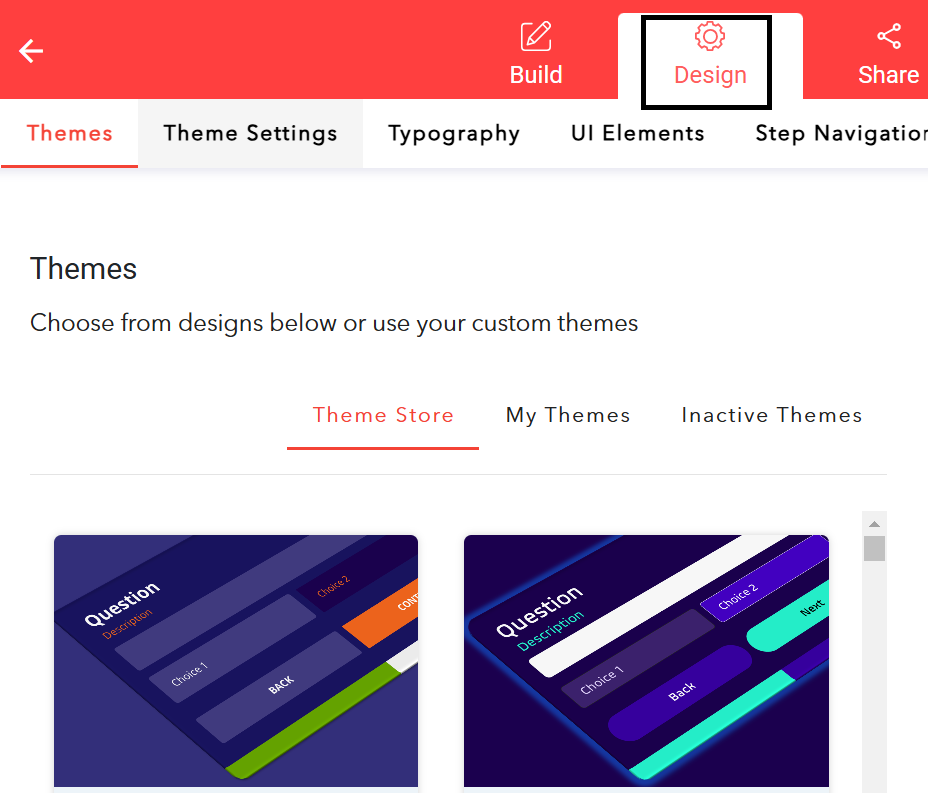
In the secondary menu, select the “Theme Settings” tab. At the bottom of the page, you will see a slider for “Fade-In Effect,” which is turned off by default.Click on it to turn it on, and then click “Save” in the top right corner. The effect will be added to all form steps.