
Innovating Lead Generation, Serving Businesses & Marketers Worldwide

Here you can see how you can make the form background transparent. Follow the below instructions to achieve this.
It's possible to make the form background transparent.
To set this up, open up your form, go to the Design section. Then click on UI Elements, Form, Form Background.
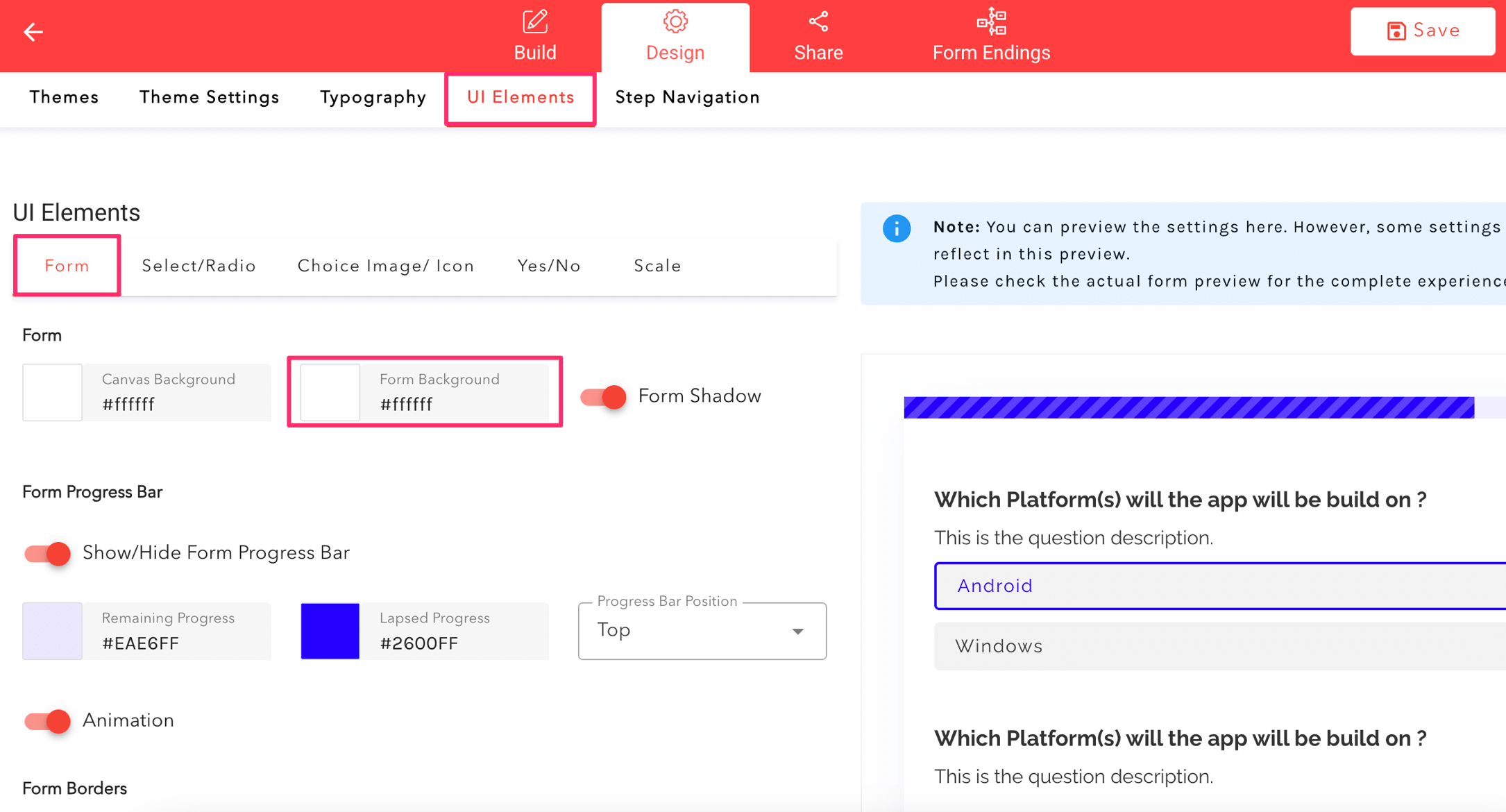
Click into the Form Background Color setting and move the second selector to the left.


