
Innovating Lead Generation, Serving Businesses & Marketers Worldwide

This article shows how to change the size of the form using the height and width values inside the embed code.
You can change the sizing of the form using the height and width values inside the embed code. In the iframe code, here you find the values:
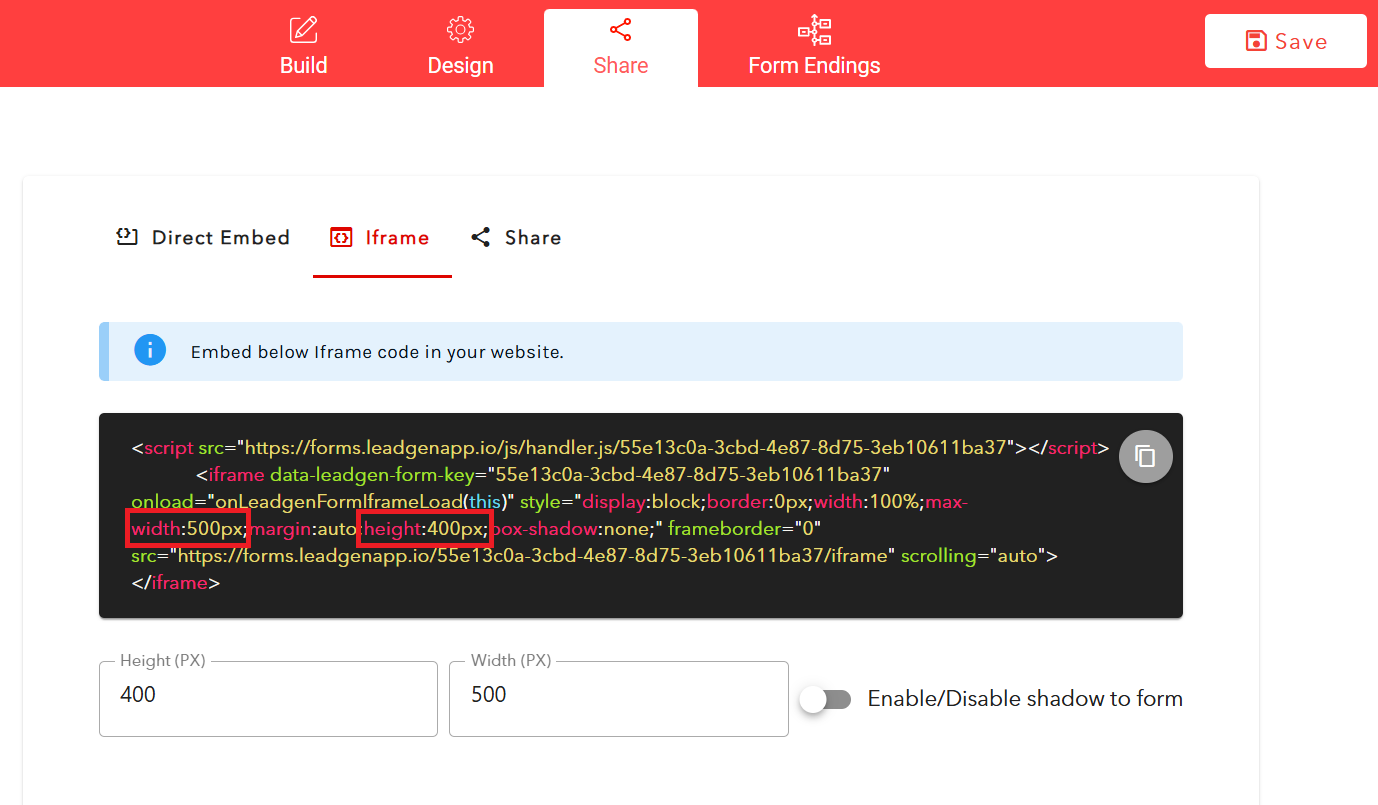
If you want to expand the form, choose a higher value, e.g. "600px" instead of "500px". If you want to make the form smaller in height or width, simply use smaller values in the respective height field.You can make those edits after you embed the code into your page. Also, you can change the height and width directly inside LeadGen App, right here below the code:
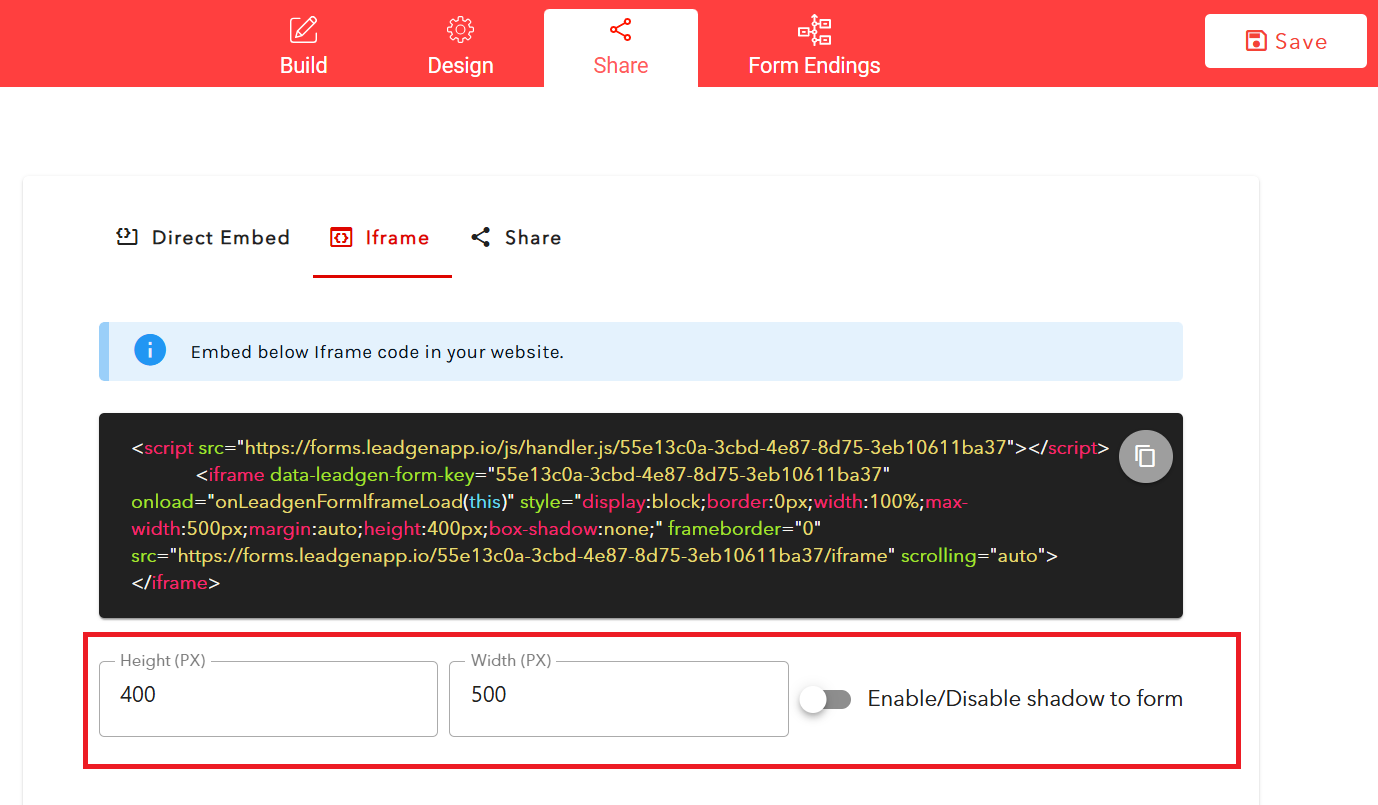
Just ensure you copy the code into your page again because it doesn't automatically make those changes for you on your page builder.

