Make your forms more visual and add images & logos to your form steps. Here's how it works.
LeadGen forms are very flexible and easy to customize. You can add images to your form steps to create designs like this:
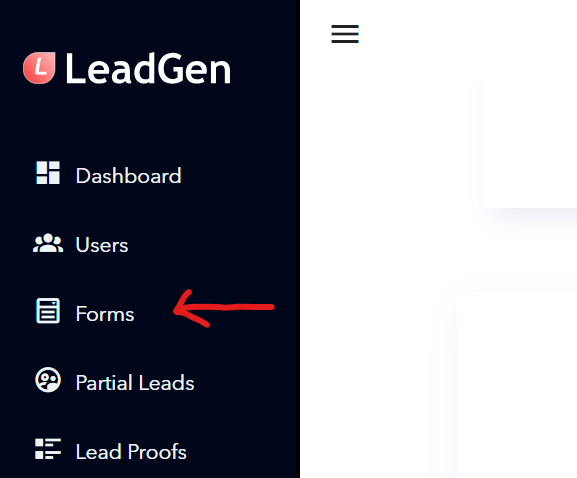
To add images to your form, firstly access your form by clicking on “Forms” in the sidebar menu.
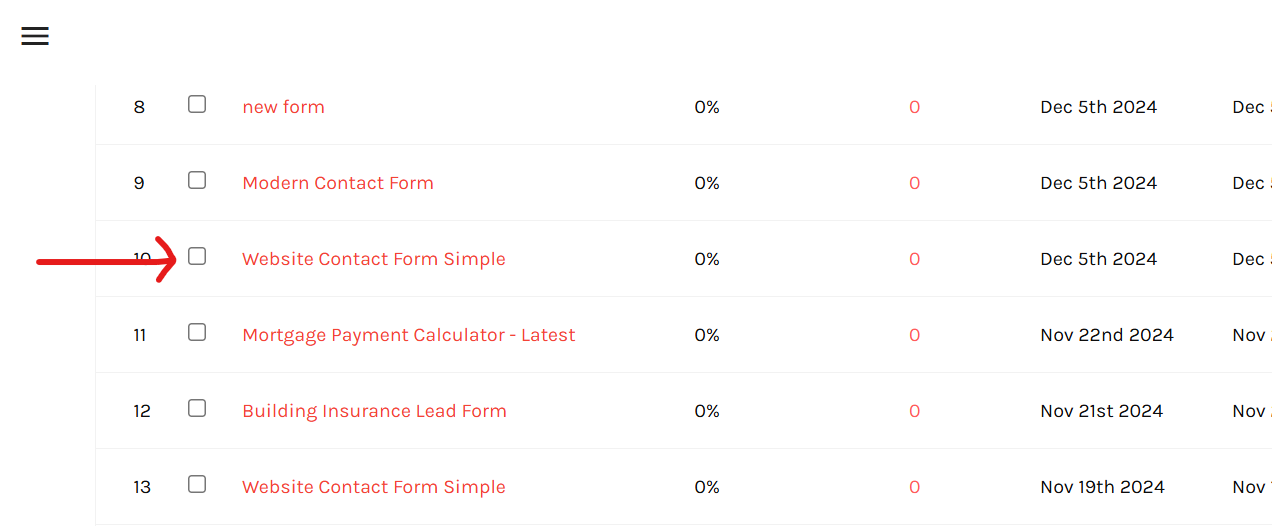
Select the form you want to edit and open the form.
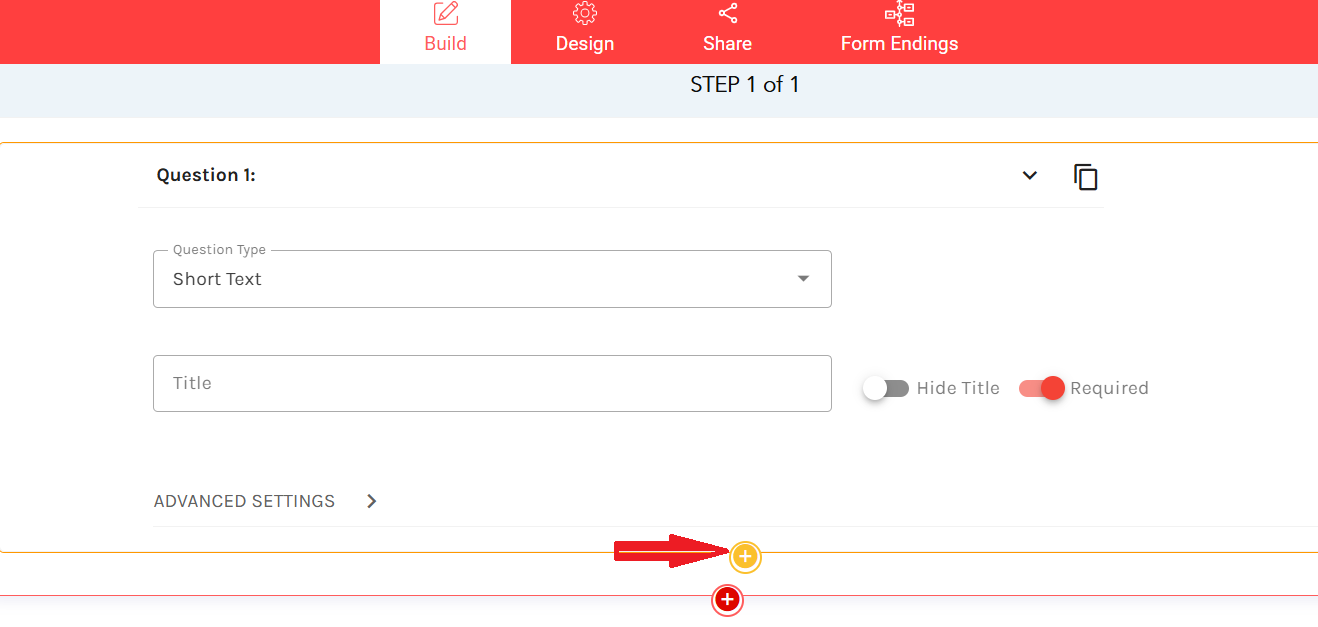
Click on “add new element”, the orange button.
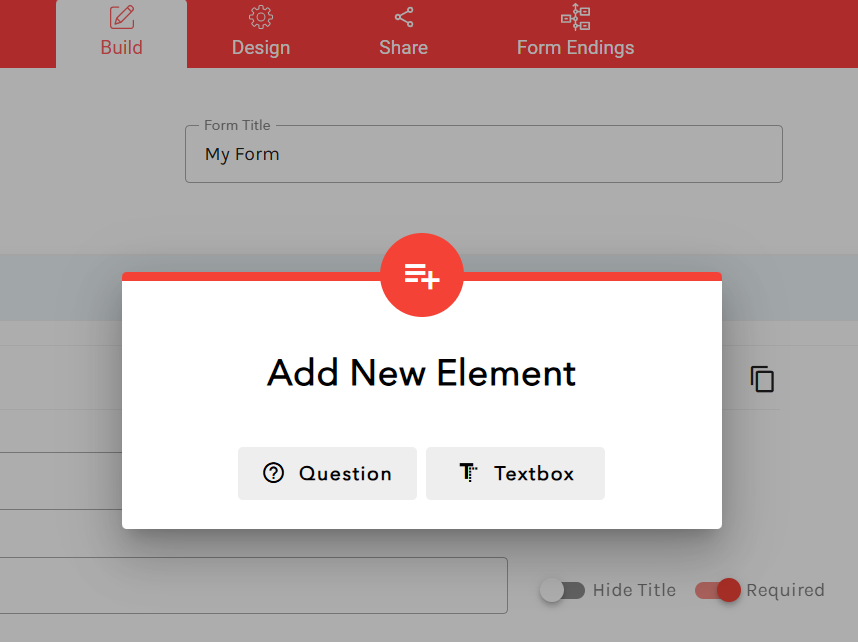
Add a textbox.
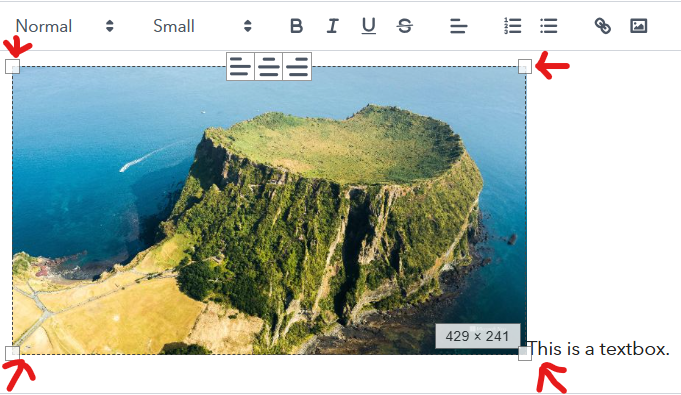
Click on the “add image” button in the HTML editor. You can use this to upload your logo as well.
Select the image that you want to insert. You can change the size of the image by clicking and dragging the corners. Hit the save button to save the changes.
Any Question Left?
Message us via the chat window in the bottom right of the page and we will answer any of your questions!