
Innovating Lead Generation, Serving Businesses & Marketers Worldwide


Google reCAPTCHA is a free Google service that helps protect your forms from spam bots and automated submissions. Here's how to implement it for CliqForms:

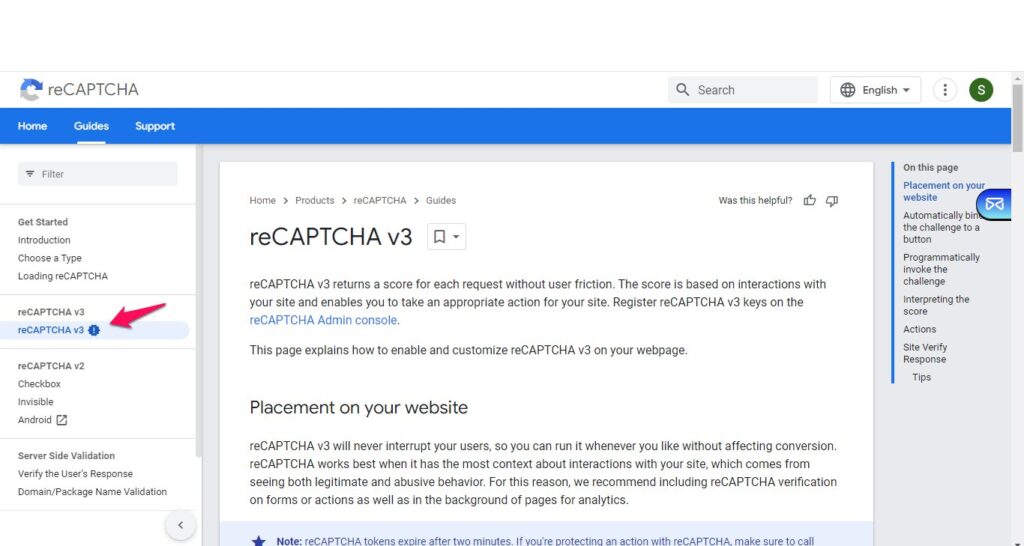
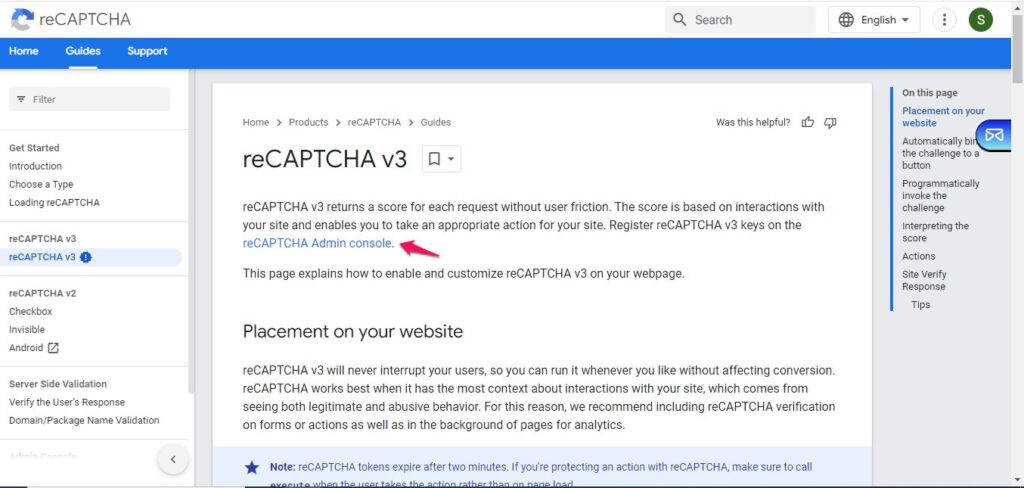
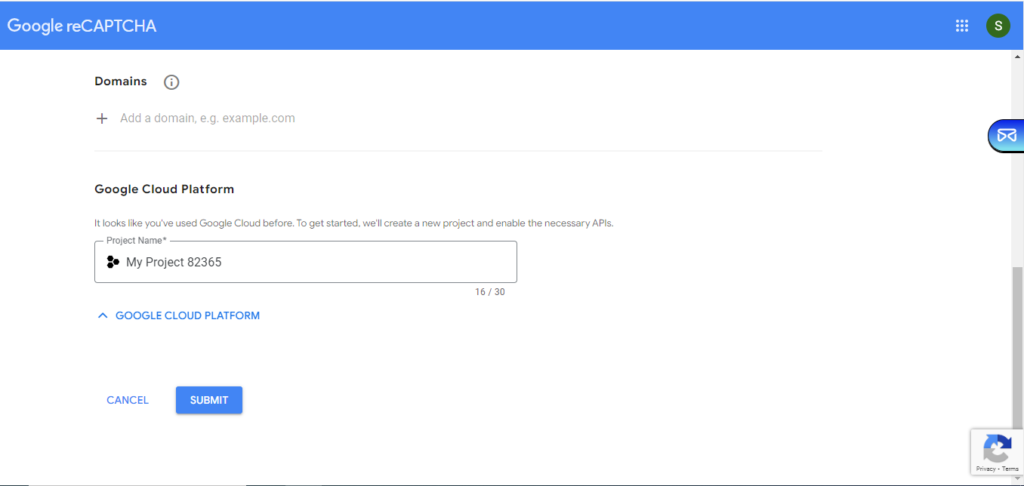
Then follow the steps: Register a new site if you are just starting to use Re-CAPTCHA. Otherwise, continue by filling in the fields of Label, Re-CAPTCHA type, Domains and Owner email addresses.

Once added, accept the Re-CAPTCHA terms and click on Submit.
3. Copy site key and secret key
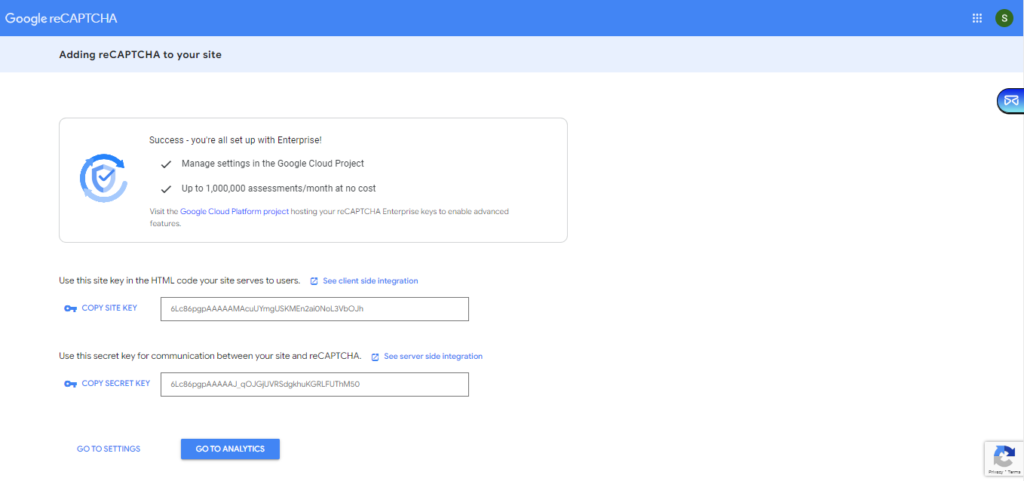
4. Go back to the Re-CAPTCHA page inside cliqforms and add site key and secret key, then save it.

5. Create a LeadGen form.6. In form settings of your form, set Google Re-CAPTCHA to enabled.


That's it. If visitors fill in your form and click on submit, they will see the Re-CAPTCHA widget coming up.

